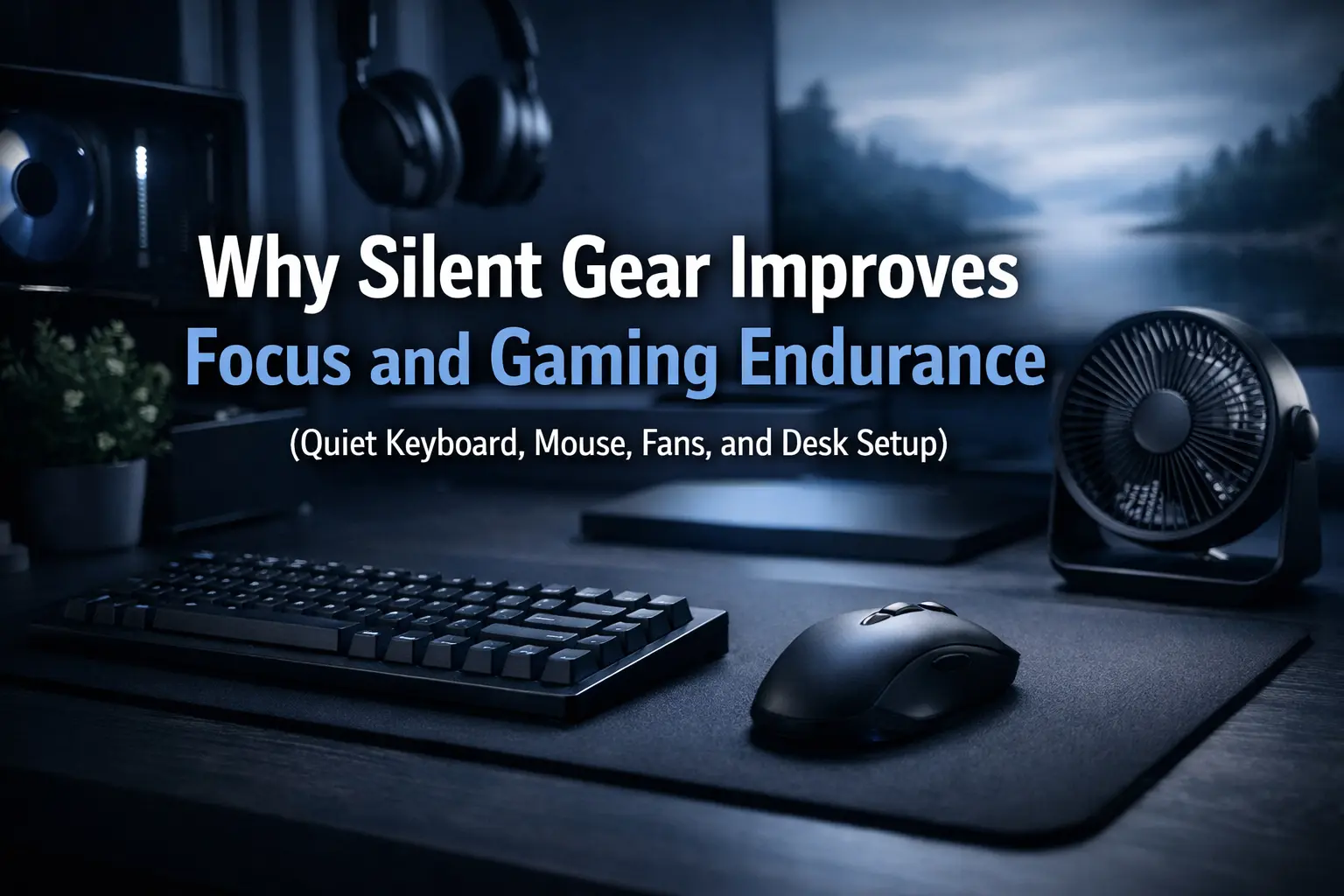
Silent Gaming Gear for Long Sessions: More Focus, Less Fatigue, Better Endurance
If you’re trying to improve focus and gaming endurance for long sessions, stop obsessing over “faster” gear for a minute. The hidden upgrade is silence. A loud setup forces your brain to process constant micro-interruptions—key clacks, mouse clicks, fan ramps, coil whine—and that quietly drains attention and stamina over hours.
Quick answer: Silent gear improves focus and gaming endurance by lowering cognitive load and stress triggers, reducing micro-startle interruptions, and keeping attention stable during long sessions.
This ties directly into the Niterria “one desk” problem: small frictions compound over time. If you haven’t read it yet, start here: The One Desk Problem and Dual-Use Desk Setup Guide.
Table of Contents
- Definition: noise floor (and why it drains you)
- Why silence increases endurance (the real mechanism)
- What to quiet first (highest ROI order)
- Silent keyboard: what actually works
- Silent mouse and pad noise (the forgotten culprit)
- PC noise: fans, ramps, coil whine
- Room + desk acoustics (cheap wins)
- Pros / cons of going silent
- Comparison table: loud vs quiet setup
- 10-minute quiet-up plan (step-by-step)
- Actionable examples (3 budgets)
- Common mistakes that waste money
- Key takeaways
- FAQ
- Sources & authority references
- About the author
Definition: noise floor (and why it drains you)
Noise floor is the constant baseline sound in your environment: keyboard clack, mouse clicks, desk vibrations, fan hum, and random spikes (fan ramps, chair squeaks, cable taps). Even if you “get used to it,” your brain still allocates attention to it. That attention spend reduces how long you can stay sharp.
Definition: A lower noise floor means fewer involuntary attention shifts. Fewer attention shifts means less fatigue across long sessions.
Why silence increases endurance (the real mechanism)
1) Less cognitive load
Your brain constantly filters irrelevant signals. A loud setup increases that filtering workload. The cost shows up later: you start making sloppy mistakes, you tilt faster, and your sessions feel “shorter” even if the clock says otherwise.
2) Fewer micro-startle spikes
Sudden sharp noises (a hard bottom-out, a clicky mouse, a fan ramp) cause small physiological spikes. One spike is nothing. Hundreds per night becomes background stress.
3) Better self-regulation in competitive moments
Silence makes it easier to keep a steady internal tempo—especially in aim-heavy games where calm hands win. If you’re also doing work + gaming on one desk, stability matters even more. (Related: desk clutter and mental fatigue.)
What to quiet first (highest ROI order)
Don’t “silent-upgrade” randomly. Go in ROI order:
- Keyboard impact noise (bottom-out, stabilizers, case resonance)
- Mouse clicks + pad scrape (especially on hard surfaces)
- PC fans (ramp behavior is more annoying than steady airflow)
- Desk vibration (keyboard tray/desk panel resonance)
- Room reflections (hard walls amplify everything)
Rule: Quiet the sharp, high-frequency spikes first. Those are the biggest focus killers.
Silent keyboard: what actually works
Most people chase “silent switches” and still end up with a loud keyboard because the real noise is impact and resonance. This is the same logic as keyboard angle vs wrist fatigue: the system matters more than one spec.
Fix order (fast wins)
- Stop bottoming out: lighter touch + correct actuation style beats any switch marketing.
- Tame stabilizers: rattly stabilizers scream through walls.
- Reduce case resonance: desk mat or proper mounting reduces “hollow” sound.
Silent keyboard checklist
- Linear or dampened tactile switches (avoid click mechanisms if you want true silence).
- Stabilizers tuned to avoid rattle (spacebar is the loudest offender).
- Desk mat under the keyboard to reduce desk panel resonance.
- Keep your keyboard angle sane (comfort prevents tension; tension increases slam-typing).
Silent mouse and pad noise (the forgotten culprit)
A “quiet keyboard” with a loud mouse is still a loud setup. Two common offenders: switch clicks and pad scrape.
Mouse click noise
Mechanical click switches are intentionally crisp. If you want a calmer sound profile, prioritize mice marketed for quiet clicks (not “tactile clicks”).
Pad + surface noise
Hard pads and glass pads can create a constant scratchy noise signature depending on skates and dust. If you’re deciding between surfaces, read: Glass vs Cloth Mousepad for Long Sessions and Mouse Space vs Wrist Pain.
PC noise: fans, ramps, coil whine
The most annoying PC noise is rarely “loud airflow.” It’s the ramp—fans constantly changing pitch because your curve is too aggressive.
Practical PC quieting moves
- Smooth fan curves: fewer ramps, more stability.
- Dust control: clogged filters force higher RPM.
- Decouple vibration: case or desk vibrations amplify hum.
- Coil whine reality: sometimes you reduce FPS caps and it drops; sometimes it’s hardware-specific.
Room + desk acoustics (cheap wins)
Your room can make quiet gear sound loud. Hard walls and empty corners reflect sharp noises. You don’t need a studio—just remove the worst reflections.
Cheap acoustic wins
- Thick curtains or a rug to reduce reflections.
- A desk mat (not only for feel—also for vibration damping).
- Tighten loose desk hardware (micro-rattles add up).
- Stop cable taps (mouse bungee or routing clips).
Pros / cons of going silent
Pros
- More stable focus across long sessions
- Lower mental fatigue and irritability
- Better late-session mechanics (aim, timing, decision-making)
- More comfortable for roommates / shared spaces
Cons
- “Silent” marketing can be misleading (impact/resonance still exist)
- Some quiet options feel less crisp (subjective)
- Chasing perfection can waste money if you ignore ROI order
Comparison table: loud vs quiet setup
| Factor | Loud Setup | Quiet Setup | What You Feel After 3–6 Hours |
|---|---|---|---|
| Keyboard | Bottom-out clack + rattle | Damped impact + stable stabilizers | Less irritation, fewer “rage spikes” |
| Mouse | Sharp clicks + scrape | Muted clicks + smoother pad | More consistent tracking and patience |
| PC | Constant fan ramps | Stable fan curve + clean airflow | Fewer attention breaks |
| Desk/Room | Resonant desk + reflections | Damped desk + softer acoustics | Less “busy brain,” better endurance |
10-minute quiet-up plan (step-by-step)
This is not a “buy more gear” plan. It’s a quick audit.
- Record 15 seconds of normal typing + mouse use (phone mic is fine).
- Find the sharpest spike (usually spacebar, mouse click, or fan ramp).
- Remove one spike:
- Keyboard: add desk mat under keyboard, soften bottom-out technique.
- Mouse: move to a quieter pad or reduce scrape (clean skates/pad).
- PC: smooth fan curve to reduce ramping.
- Re-record the same 15 seconds.
- Stop when your setup sounds “boring.” Boring is the goal.
Quick troubleshoot: “My keyboard is silent but my desk is still loud.”
That’s desk resonance. Add a desk mat, tighten desk bolts, and reduce hollow vibration under the keyboard area. Also check if your keyboard feet are amplifying vibration into the desk.
Actionable examples (3 budgets)
Zero budget (today)
- Clean mouse skates and pad (dust increases scrape noise).
- Stop slam-typing; reduce bottom-out force by ~10–20%.
- Set PC fans to fewer ramps (stability over “reactive”).
- Secure rattly objects on desk (controllers, metal cups, loose chargers).
Low budget (small upgrades)
- Desk mat under keyboard (damping + comfort).
- Cloth pad to reduce scrape signature (if you’re on hard/glass and it’s loud).
- Basic cable routing to stop taps.
Mid budget (meaningful transformation)
- Truly quiet keyboard build priorities: stabilizers + damping + reduced resonance.
- Quiet-click mouse option (if clicks bother you or others).
- Fan upgrades if your case ramps constantly (only after curves + dust are fixed).
Common mistakes that waste money
- Buying “silent switches” first while ignoring stabilizer rattle and desk resonance.
- Ignoring mouse/pad noise (it’s often the constant irritant).
- Chasing max airflow curves that ramp every 30 seconds instead of stable cooling.
- Fixing noise while ignoring comfort—discomfort increases force, and force increases noise. Start with fundamentals like desk height and chair reality after 6 hours.
Key takeaways
- Silence improves endurance by reducing cognitive load and stress spikes.
- Quiet the sharp spikes first (bottom-out, rattle, click, fan ramp).
- System > spec: desk resonance and room reflections matter.
- Don’t overspend early. Run the 10-minute audit and upgrade in ROI order.
FAQ
Is silent gear actually better for competitive gaming?
For many players, yes—because it reduces irritation and stabilizes attention. It won’t magically increase skill, but it often improves consistency late-session.
What’s the loudest thing in most setups?
Usually the keyboard spacebar (stabilizers + bottom-out) or PC fan ramping. Mouse clicks are third—but can be #1 in quiet rooms.
Is a glass mousepad bad for noise?
It depends on skates, dust, and your tolerance for a “scratch signature.” If you want calmer sound, cloth is usually easier. See: Glass vs Cloth Mousepad.
Should I use noise-canceling headphones instead?
Headphones can help, but they don’t remove the cause. A quieter setup improves your environment and helps anyone sharing the space.
Sources & authority references
For deeper reading on noise exposure and performance impacts, start with these authority references:
Comments
You need to log in to leave a comment.