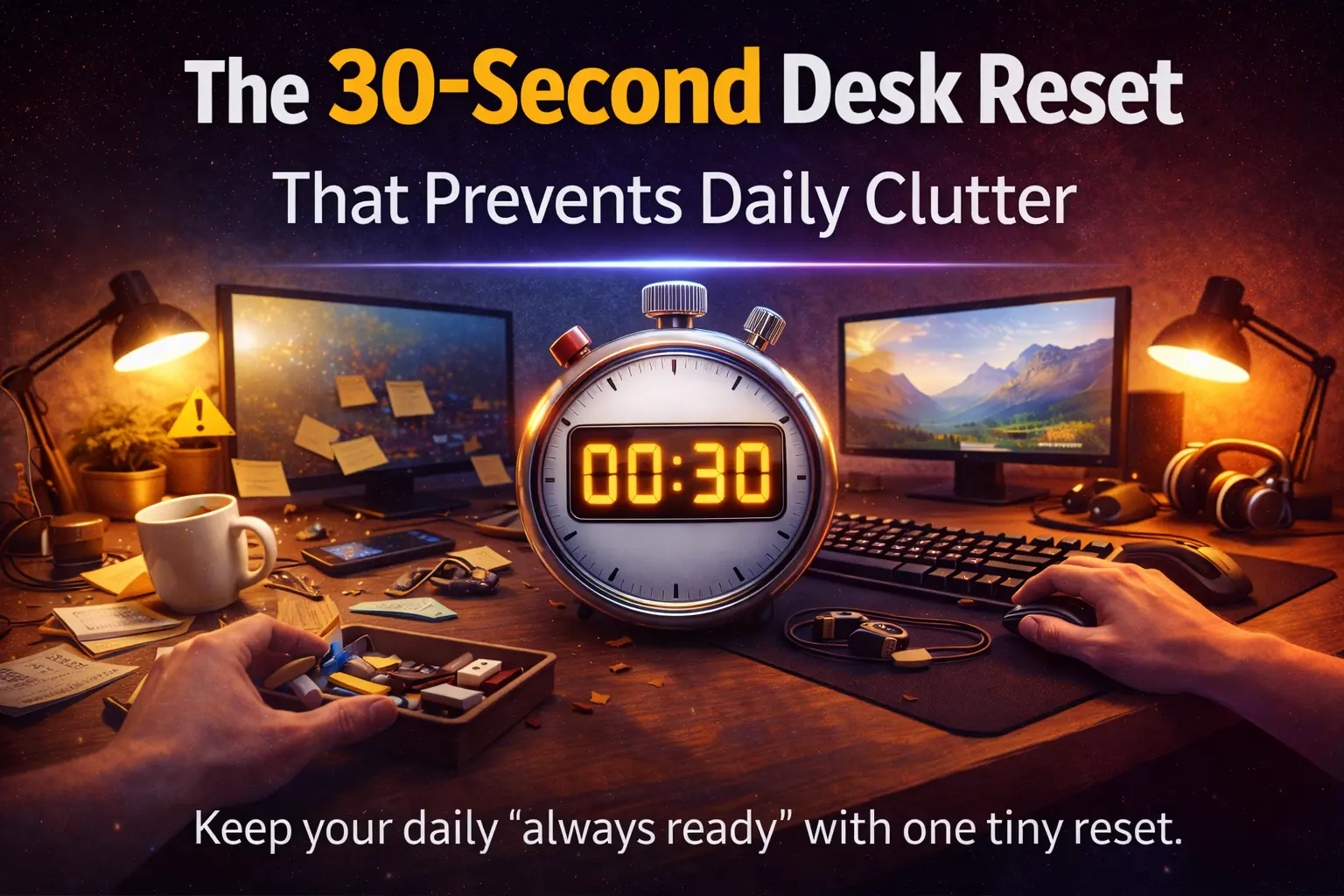
The 30-Second Desk Reset That Prevents Daily Clutter
Last updated: 2026-01-14
Subtitle: One micro-routine that keeps your dual-use desk “always ready” for work and gaming—without weekend cleanups.
Category: Desk Systems
Tags: desk reset, desk clutter, clean desk, dual-use desk setup, workspace hygiene, productivity, cable management, focus, desk routine
Quick answer: A 30-second desk reset is a tiny end-of-session routine that returns your desk to a standard layout (keyboard centered, mouse zone clear, cables aligned, loose items contained). Do it every time you switch modes (work → gaming or gaming → off) and daily clutter stops forming.
Desk clutter isn’t a “messy person” problem. It’s a system problem: your desk has no reliable default state. If you run a dual-use setup (work + gaming), clutter stacks faster because you’re constantly switching tools, chargers, notes, controllers, and drinks. The fix is not a weekly clean. The fix is a 30-second desk reset done at the right trigger.
What a “30-second desk reset” actually is
Definition: A desk reset is a micro-routine that returns your workspace to a pre-defined “ready state” so you can start the next session with zero friction.
This is not cleaning. This is restoring. The mindset matters:
- Cleaning is open-ended (you notice more problems as you go).
- Resetting is closed-ended (you’re returning to a known layout).
If your desk has a known default state, clutter becomes an exception. If it doesn’t, clutter becomes the baseline.
Why it works (and why most decluttering fails)
1) Clutter grows because transitions are where you leak stuff
Most desk mess appears during transitions: a meeting ends, a game ends, you stand up, you leave chargers plugged in, you drop things “temporarily,” and temporary becomes permanent.
2) The real enemy is decision fatigue
If your reset requires decisions (“Where does this go?”), you won’t do it when you’re tired. A good reset has pre-assigned homes for common items.
3) Visual noise increases mental load
You don’t need to obsess over minimalism, but you do want a desk that feels predictable. Predictability reduces friction and helps you switch modes faster.
Related on Niterria: How Desk Clutter Increases Mental Fatigue (Backed by Psychology) and The Dual-Use Desk System: One Layout That Works for Everything.
The 30-second desk reset (exact steps)
Rule: If it can’t be done in 30 seconds, it’s not part of the reset. Put bigger tasks into a separate weekly block.
Step-by-step: the “3 Zones” reset
- Clear the Surface (10 seconds): move loose items into one container (catch tray / small box). No sorting.
- Re-center the Tools (10 seconds): keyboard centered; mouse zone cleared; headset/controller returns to its hook/stand.
- Kill the Cable Snakes (10 seconds): put charging cables back into one place (clip, hook, or a single coil spot).
30-second script (say it while you do it):
- Surface: “Everything loose goes into the tray.”
- Tools: “Keyboard center. Mouse zone empty.”
- Cables: “One cable visible, the rest parked.”
Optional: the “2-item rule” (only if you’re disciplined)
If you want an extra guardrail: the desktop surface should never end a session with more than two non-work items outside your zones (e.g., water + notebook). If it’s more than two, you reset.
Make the reset effortless (layout rules)
You don’t win by trying harder. You win by making it easier to win.
Rule A: One “catch tray” beats five storage ideas
If your desk has no drawers, you need one staging zone where everything can go instantly. Sorting happens later (or never). The tray is the pressure valve that prevents surface chaos.
Rule B: Give cables a parking spot
Most clutter is cables. Fix it with a “parking” rule:
- One primary charging cable stays available.
- All other cables get clipped, hooked, or coiled in one repeatable place.
Rule C: Your mouse zone is sacred
Nothing lives where your mouse needs to move. Not your phone. Not your drink. Not your keys. If you keep violating this, your desk will always feel messy—even when it’s not.
Related on Niterria: Mouse Space vs Wrist Pain: The Ergonomics Nobody Talks About and Why Most Ergonomic Mice Fail for Mixed Work + Gaming.
Work vs gaming: two baseline layouts (so resets feel automatic)
Dual-use desks fail when you try to run one layout for everything. You want two baselines that share the same zones.
Baseline 1: Work-ready
- Keyboard centered
- Mouse zone clear and wide
- Notebook/pen in one fixed corner
- Headset parked (not on the desk)
- One charging cable accessible, everything else parked
Baseline 2: Game-ready
- Keyboard slightly shifted if needed (but still aligned)
- Mousepad area fully clear
- Controller/headset accessible on stand/hook
- Drink goes to the same “safe” spot every time (not in the mouse lane)
If you haven’t built your desk system yet, start here: Dual-Use Desk Setup Guide and The One-Desk Problem: Why Your Desk Setup Fails After 8 Hours.
Why your reset fails (and the fixes)
Failure 1: You made the reset a mini cleaning session
Fix: Remove sorting from the reset. Sorting is a separate task. The reset is only “return to baseline.”
Failure 2: You don’t have a trigger
Fix: Tie the reset to something that already happens:
- When you shut down your PC
- When you close your work chat
- When you end a gaming session
- When you stand up
Failure 3: Your desk doesn’t have homes for items
Fix: Assign homes for the top five clutter offenders: phone, keys, wallet, cables, headset/controller. If any of these don’t have a home, your desk will leak clutter daily.
Failure 4: You’re fighting the wrong root cause (layout)
If your desk feels cramped, you’ll constantly reshuffle items, which creates mess. Re-check your fundamentals: How Desk Height Quietly Destroys Comfort and Desk Setups in Small Apartments: One Desk, Zero Compromise.
30 seconds vs 10 minutes vs 1 hour (what each is for)
| Method | Best for | What it includes | What it avoids |
|---|---|---|---|
| 30-second reset | Daily prevention | Return to baseline layout, park loose items, park cables | Sorting, reorganizing, deep cleaning |
| 10-minute tidy | Weekly maintenance | Empty tray, wipe surface, quick cable check, trash | Rebuilding the entire setup |
| 1-hour overhaul | Monthly/seasonal changes | Layout upgrades, cable routing, storage changes | Daily reliance (this shouldn’t be frequent) |
Pros and cons of the 30-second reset
- Pros: prevents clutter momentum, reduces friction, keeps desk “camera-ready,” supports work→gaming transitions
- Cons: doesn’t solve storage problems by itself, requires a baseline layout, fails if you add sorting to the routine
Key takeaways
- A reset is a return to baseline, not a cleaning session.
- Use one catch tray to stop “temporary” items living on your desk.
- Protect your mouse zone; it’s the fastest way to make the desk feel clear.
- Attach the reset to a trigger you already do (shutdown, stand up, end session).
- If it takes more than 30 seconds, remove steps—don’t add time.
Sources + authority links (readable, not academic)
If you want more context on clutter, attention, and workspace behavior, these are useful starting points:
FAQ
Does a 30-second desk reset actually work if my desk gets messy fast?
Yes—because it prevents “clutter momentum.” The reset isn’t a deep clean; it’s a quick return to your baseline layout so mess never becomes a project.
When should I do the desk reset—morning or night?
Do it at the transition that matters most: end of workday, end of gaming, or before your first focus block. One consistent trigger beats perfect timing.
What if I don’t have drawers or desk storage?
Use a single catch tray or a small box as your staging zone. The goal is one place for loose items so your work surface stays clear.
Is a clean desk always better for productivity?
Not always. The best desk is a predictable desk. The reset isn’t about minimalism—it’s about reducing friction and keeping your layout consistent.
How do I keep the reset from failing after a week?
Make it smaller, not bigger. Cut steps until it fits inside 30 seconds. If you miss a day, restart immediately—no catch-up cleaning.
Comments
You need to log in to leave a comment.