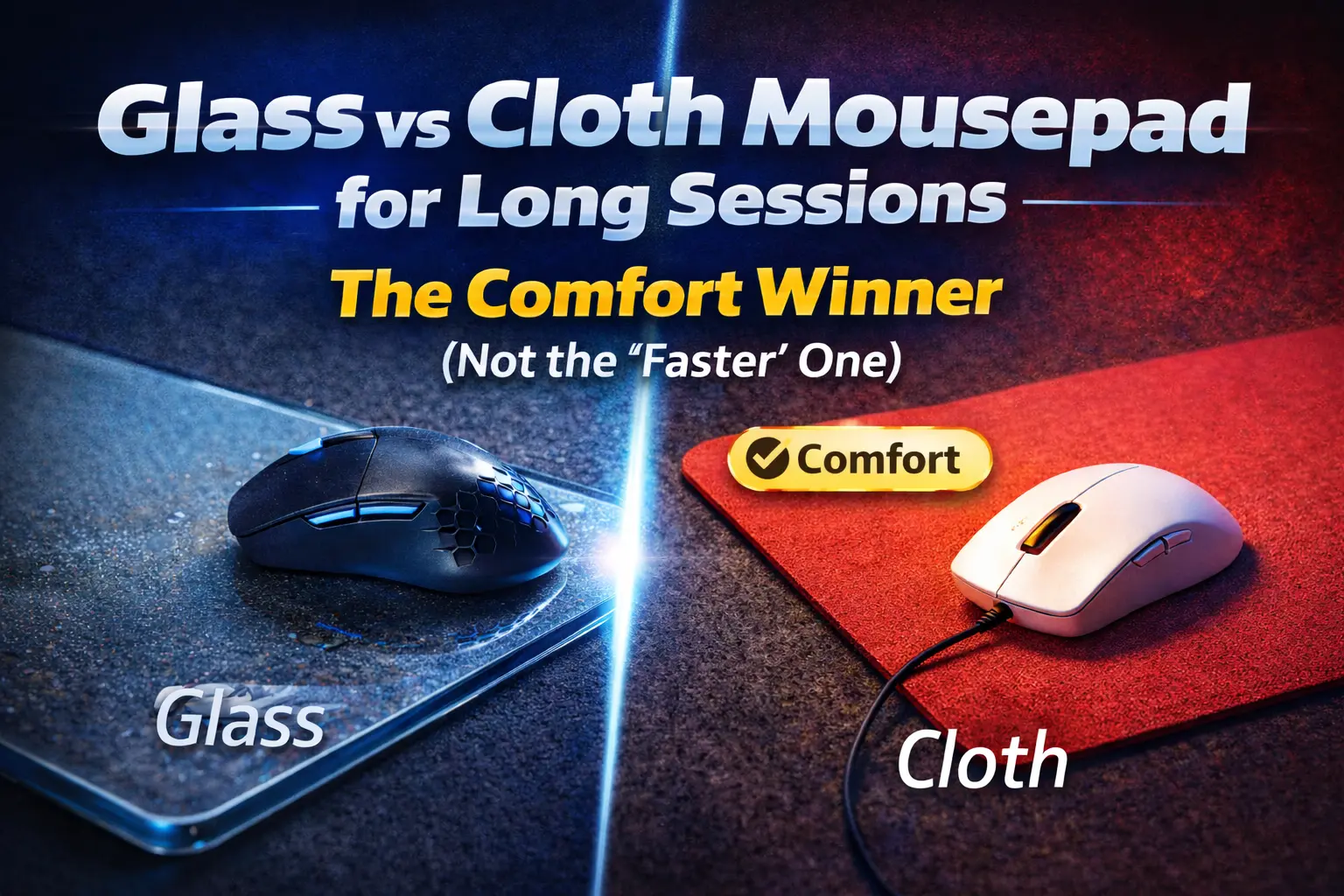
Glass vs Cloth Mousepad for Long Sessions: The Comfort Winner (Not the “Faster” One)
If your wrist, forearm, or skin feels “cooked” after long desk sessions, the mousepad is a bigger factor than people admit. This is a straight comparison of glass vs cloth mousepads for long sessions—focused on comfort over speed: irritation, noise stress, humidity issues, dust sensitivity, and how each surface changes your micro-tension over hours.
Quick answer: Cloth wins comfort for most people because it’s warmer, quieter, and more forgiving when your form degrades after hour 5. Glass can be amazing if you want ultra-low friction, but it’s harsher: colder feel, more noise, and it punishes dust—so comfort depends on your environment and skin sensitivity.
Related reads: Mouse Space vs Wrist Pain • Keyboard Angle Causes Wrist Fatigue • Desk Height for Comfort • The One-Desk Problem
Table of Contents
- Definition: what “comfort” actually means on a mousepad
- The real comfort winner (and when it flips)
- Glass vs cloth: full comparison table
- Glass mousepads: pros, cons, and who should buy
- Cloth mousepads: pros, cons, and who should buy
- 2-minute decision guide (pick the right surface)
- Comfort tweaks that matter more than pad material
- Common mistakes that make any pad feel bad
- FAQ (and FAQ schema)
Definition: what “comfort” actually means on a mousepad
Comfort isn’t “smooth.” It’s how calm your body stays while you repeat tiny movements for hours.
Mousepad comfort = a surface that minimizes skin irritation, noise stress, micro-gripping tension, and posture compensation (wrist extension, shoulder hike, and forearm locking).
Speed matters for competitive play. For long work + gaming sessions, the real enemy is tension creep: you unconsciously grip harder, press down more, and “brace” your forearm as fatigue rises.
Reality check: If a pad forces you to fight the surface (sticky starts, inconsistent glide, or loud harsh feedback), you compensate with your wrist and shoulder. That’s how “just a mousepad” becomes a comfort problem.
The real comfort winner (and when it flips)
Most people: cloth wins by being forgiving
Cloth is usually more comfortable because it’s quiet, warmer, and less punishing when your movement gets sloppy late in the session.
When glass wins: you’re battling “stick-slip” or humidity
Glass can be the comfort pick if cloth feels grabby (humidity, sweaty palms, worn coating) and that “stiction” makes you tense up. With glass, the start/stop can feel more effortless—if you manage dust and noise.
Glass vs cloth: full comparison table
| Factor | Cloth mousepad | Glass mousepad | Comfort impact (long sessions) |
|---|---|---|---|
| Skin feel | Soft, low abrasion (varies by weave) | Hard, can feel “sharp” if edge contact happens | Cloth usually calmer on forearm/wrist contact |
| Temperature | Neutral/warm | Cool/cold to the touch | Cold surfaces can increase “brace” tension |
| Noise | Quiet | Louder (especially fast swipes) | Noise is underrated mental fatigue |
| Dust sensitivity | Moderate (dust embeds) | High (dust = scratchy feedback) | Scratchy glide makes you grip harder |
| Humidity / sweat | Can get sticky, inconsistent | More consistent (until dust) | In humid rooms, glass can reduce “fighting” the pad |
| Control | Higher control, slower feel | Lower control, faster feel | Too fast can cause micro-corrections (fatigue) |
| Micro-corrections | Often fewer (more friction) | Often more (low friction) | More corrections = more tension late-session |
| Cleaning | Needs washing, dries slowly | Wipe clean in seconds | Clean surface = consistent feel = less tension |
| Longevity | Wears, gets “slow spots” | Long-lasting (skates wear instead) | Inconsistency is a comfort killer |
Glass mousepads: pros, cons, and who should buy
Pros (comfort-relevant)
- Low friction can reduce “push effort” when you’re fatigued.
- Consistent glide if your environment is clean and you wipe it.
- Easy maintenance: wipe and it’s reset.
Cons (what actually ruins long sessions)
- Noise increases mental load (especially at night or shared rooms).
- Dust = scratchy feel, which triggers grip tension fast.
- Cold surface can make your forearm “brace” unconsciously.
- Fast glide can increase micro-corrections (more “steering” effort).
Glass is for you if…
- You hate cloth “stiction” and live in a humid room.
- You can keep your desk clean and don’t mind more noise.
- You prefer speed and you’re willing to tune skates and habits.
Cloth mousepads: pros, cons, and who should buy
Pros (comfort-relevant)
- Quiet and low-stimulation for long focus blocks.
- Warm/soft contact for the wrist and forearm.
- More control reduces micro-corrections and “steering fatigue.”
Cons (the real ones)
- Humidity/sweat can cause sticky glide or inconsistent start.
- Wear patterns create slow spots that force compensation.
- Cleaning is more annoying than people admit.
Cloth is for you if…
- You value comfort and calm over speed metrics.
- You do mixed work + gaming and want predictable control.
- You’re sensitive to noise or harsh tactile feedback.
2-minute decision guide (pick the right surface)
- If you get skin irritation or forearm discomfort: pick cloth first.
- If your pad feels sticky in summer / humidity: consider glass (or a tighter, smoother cloth weave).
- If noise annoys you or you share a room: pick cloth.
- If you constantly over-aim and correct: pick cloth (more control, fewer corrections).
- If you hate maintenance and want instant reset: pick glass (wipe clean).
Best default choice: a quality cloth pad with a controlled glide. It’s the most forgiving foundation for long sessions, especially when your posture and grip degrade late-session.
Comfort tweaks that matter more than pad material
1) Fix mouse space and arm path first
If your mouse area is cramped, you’ll compensate with the wrist. Read: Mouse Space vs Wrist Pain.
2) Desk height quietly dictates wrist load
A bad desk height forces wrist extension and shoulder tension. Read: How Desk Height Destroys Comfort.
3) Reduce friction where your body contacts the desk
Forearm drag on desk edges is a hidden fatigue source. A simple sleeve or edge padding can outperform any pad upgrade.
4) Make the keyboard stop stealing your wrist angle
If your keyboard is angled wrong, your mouse hand often mirrors that tension. Read: Keyboard Angle Causes Wrist Fatigue.
Common mistakes that make any pad feel bad
- Death grip: you’re pinching the mouse because control feels unstable.
- Pressing down: you’re adding friction and tension for “precision.”
- Worn skates: inconsistent glide equals constant micro-corrections.
- Dirty surface: dust on glass feels scratchy; grime on cloth feels sticky.
- Bad desk geometry: the pad can’t fix a wrist angle problem.
Key takeaways
- Comfort is about tension, not speed.
- Cloth wins for most people: quieter, warmer, more forgiving.
- Glass wins in humidity if cloth feels sticky and you can keep it clean.
- Inconsistent glide (dust, wear, slow spots) is what creates fatigue.
- Fix mouse space and desk height before buying “premium” surfaces.
Sources and credibility notes
This post is based on practical desk-setup ergonomics and general human factors principles: reducing repetitive strain by minimizing sustained wrist extension, minimizing unnecessary force, and keeping input devices consistent to reduce corrective movements. For deeper background on desk ergonomics and repetitive strain risk factors, start with:
FAQ: Glass vs cloth mousepads for long sessions
Is a glass mousepad bad for your wrist?
Not inherently. The risk comes from what glass encourages: faster glide, more micro-corrections, and harsher feedback when dusty—those can increase grip tension. If you stay relaxed and keep it clean, it can be fine.
Why does cloth feel “sticky” sometimes?
Humidity, sweat, skin oils, and worn coatings increase stiction (static friction). That “grabby start” is what triggers over-gripping.
What’s better for work + gaming on one desk?
Cloth is usually better for mixed use because it’s quieter and more controlled. If your room is humid and you hate stiction, glass can work—just expect more noise and maintenance.
Does mousepad size matter for comfort?
Yes. If you’re running out of space, you compensate with the wrist. Bigger pad or better layout usually beats changing materials. Start here: Mouse Space vs Wrist Pain.
What’s the fastest way to make any pad feel better?
Clean the surface, check skates, and reduce forearm drag. Then fix desk height and mouse area constraints. Material is secondary to consistency.
Comments
You need to log in to leave a comment.