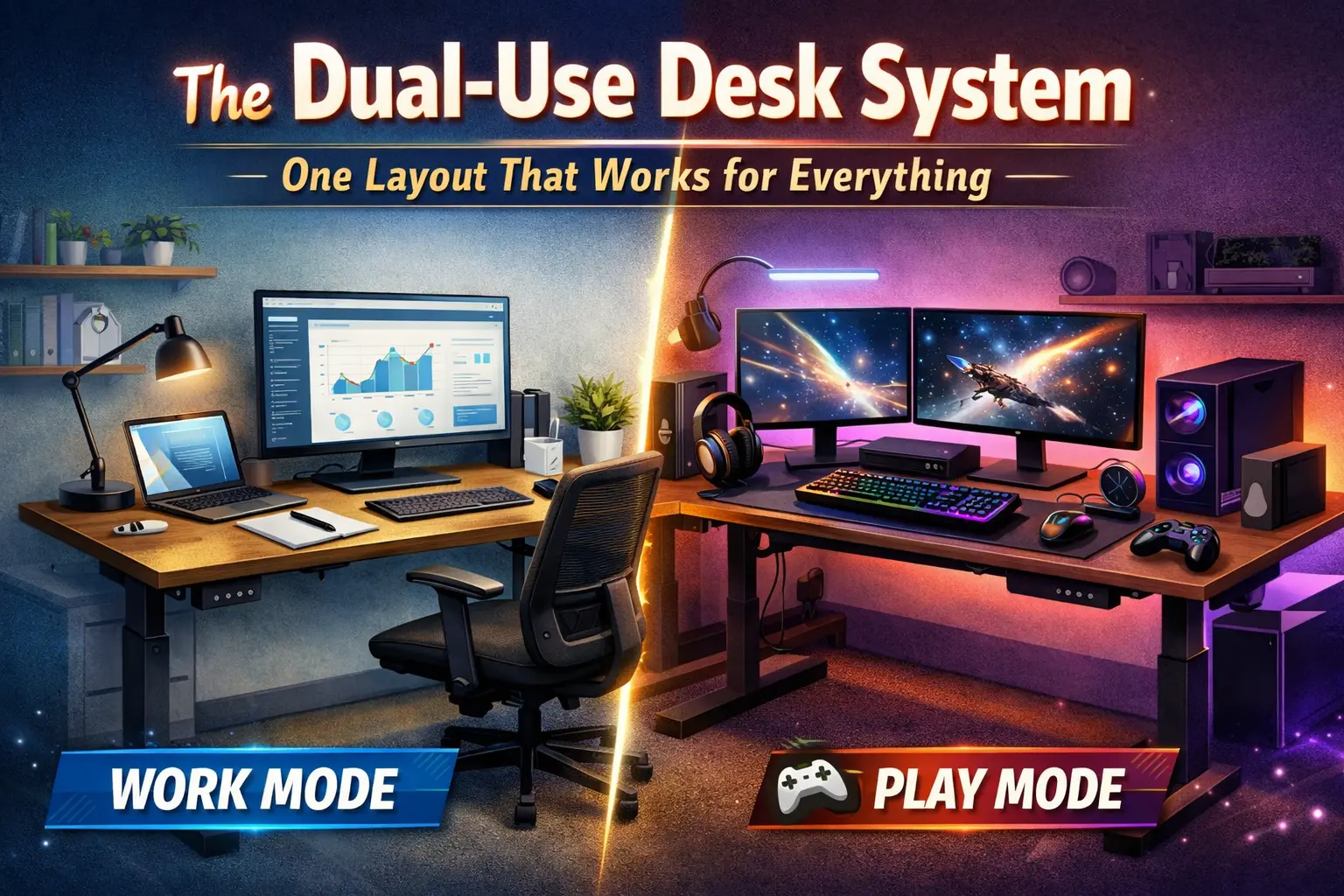
The idea that you need separate desks for work, gaming, and deep focus is a lie created by marketing. Not because specialization is bad — but because your body does not switch contexts as cleanly as your software does.
Most desk setups fail after 6–8 hours because they are designed for a single, idealized use case. The moment you ask that same setup to handle typing, precision mouse control, static focus, visual endurance, and long sitting cycles, cracks appear. Pain creeps in. Focus drops. You start adjusting things instead of working.
This article defines the Dual-Use Desk System: one physical layout that supports work, gaming, studying, and long focus sessions without reconfiguration. Not by compromise — but by removing false requirements entirely.
Table of Contents
- What the Dual-Use Desk System Really Is
- Why Most One-Desk Setups Fail After 8 Hours
- The False Solutions People Keep Chasing
- Biomechanics: Why Your Body Hates Task-Specific Desks
- The 6 Core Principles of a Dual-Use Desk
- The Dual-Use Desk Layout Blueprint
- Peripheral Logic: Choosing Gear That Survives Context Switching
- Visual Load, Clutter, and Cognitive Drain
- How the Same Desk Handles a Full Day (Real Scenarios)
- Mistakes That Kill Dual-Use Performance
- FAQs
What the Dual-Use Desk System Really Is
A dual-use desk system is not a hybrid. It is not a “work desk with gaming vibes” or a “gaming desk made more ergonomic.” Those are cosmetic categories.
The system is built around one non-negotiable truth: your nervous system needs consistency more than optimization.
A true dual-use desk system ensures that:
- Your joint angles stay within safe ranges across tasks
- Your visual field remains predictable for hours
- Your hands operate inside the same motor envelope
- You do not physically “re-enter” the desk when switching tasks
If a desk requires conscious posture changes to perform different activities, it is already failing.
Why Most One-Desk Setups Fail After 8 Hours
The failure pattern is predictable — and already documented across your existing content cluster.
| Failure Type | What People Blame | Actual Cause |
|---|---|---|
| Lower back pain | Chair quality | Static posture + movement starvation |
| Wrist / forearm pain | Mouse shape | Inconsistent hand positioning |
| Neck stiffness | Monitor size | Visual focal instability |
| Mental fatigue | Long hours | Excessive visual and cognitive noise |
This aligns directly with the breakdown in The One-Desk Problem and why back pain is not a chair issue.
The desk doesn’t fail because it is used too much. It fails because it was never designed for endurance.
The False Solutions People Keep Chasing
Most people respond to desk pain by stacking features instead of fixing fundamentals.
- Standing desks without movement logic
- Extreme ergonomic peripherals
- Separate “work” and “gaming” zones
- Constant posture switching
These solutions increase complexity — and complexity kills consistency.
This is the same illusion exposed in Chair Marketing vs Reality: products promise relief by adding structure, but ignore adaptation cost.
Biomechanics: Why Your Body Hates Task-Specific Desks
Your body does not care whether you are working or gaming. It only responds to load, repetition, and duration.
Task-specific desks force your body into context-dependent motor patterns. Over time, this causes:
- Joint angle drift
- Uneven muscle activation
- Delayed fatigue signals
- Compensation patterns that feel “normal”
The result is pain that appears earlier each year — even if nothing “feels wrong” at first.
The 6 Core Principles of a Dual-Use Desk
1. Neutral Alignment Is the Base Layer
Everything starts from joint neutrality — not comfort, not performance, not aesthetics.
2. One Physical Map
Your hands, arms, and eyes should navigate the same spatial map regardless of task.
3. No Forced Angles
Extreme tilts, aggressive curves, and locked positions reduce adaptability.
4. Visual Stability Over Visual Excitement
Your brain processes contrast before content.
5. Passive Support, Active Movement
Furniture supports. Your body moves.
6. Zero Reconfiguration Rule
If switching tasks requires moving hardware, the system is broken.
The Dual-Use Desk Layout Blueprint
| Component | Dual-Use Rule | Why It Works |
|---|---|---|
| Desk height | Elbows relaxed at ~90° | Supports typing and precision input equally |
| Monitor distance | Arm’s length baseline | Reduces eye and neck strain |
| Keyboard | Flat or slight negative tilt | Prevents wrist compression |
| Mouse zone | Continuous lateral space | Preserves muscle memory |
This directly addresses the mixed-use failure outlined in Why Most Ergonomic Mice Fail.
Peripheral Logic: Choosing Gear That Survives Context Switching
Dual-use gear is boring by design.
- Mouse: Medium shape, no forced grip ideology
- Keyboard: Consistent actuation, neutral profile
- Chair: Stable support, not posture enforcement
- Desk: Fixed height beats constant micro-adjustment
If gear requires adaptation, it fails dual use.
Visual Load, Clutter, and Cognitive Drain
Visual clutter is not an aesthetic problem — it is a neurological one.
Every object in your peripheral vision competes for processing. Over hours, this creates the mental fatigue explained in desk clutter and mental fatigue.
A dual-use desk prioritizes:
- Low-contrast backgrounds
- Indirect lighting
- Minimal object count
How the Same Desk Handles a Full Day
| Time Block | Activity | What Changes | What Stays the Same |
|---|---|---|---|
| Morning | Focused work | Cognitive load | Posture, layout |
| Afternoon | Mixed tasks | Task switching | Hand positioning |
| Evening | Gaming / creative | Speed + precision | Motor map |
No physical reset required.
Mistakes That Kill Dual-Use Performance
- Building separate “modes”
- Over-correcting posture
- Chasing novelty gear
- Ignoring visual fatigue
Most failures are slow and invisible — until pain becomes routine.
Frequently Asked Questions
Is a standing desk required?
No. Movement matters more than posture variation.
Can one mouse really handle work and gaming?
Yes — if it doesn’t force grip ideology.
What’s the clearest sign a desk is failing?
Needing to mentally “settle in” every time you sit down.
Should I separate work and gaming for health?
No. Separation increases adaptation cost.
Is this system about minimalism?
No. It’s about endurance.
Bottom line: The best desk system is the one your body stops negotiating with. When the desk disappears, performance lasts.
Comments
You need to log in to leave a comment.