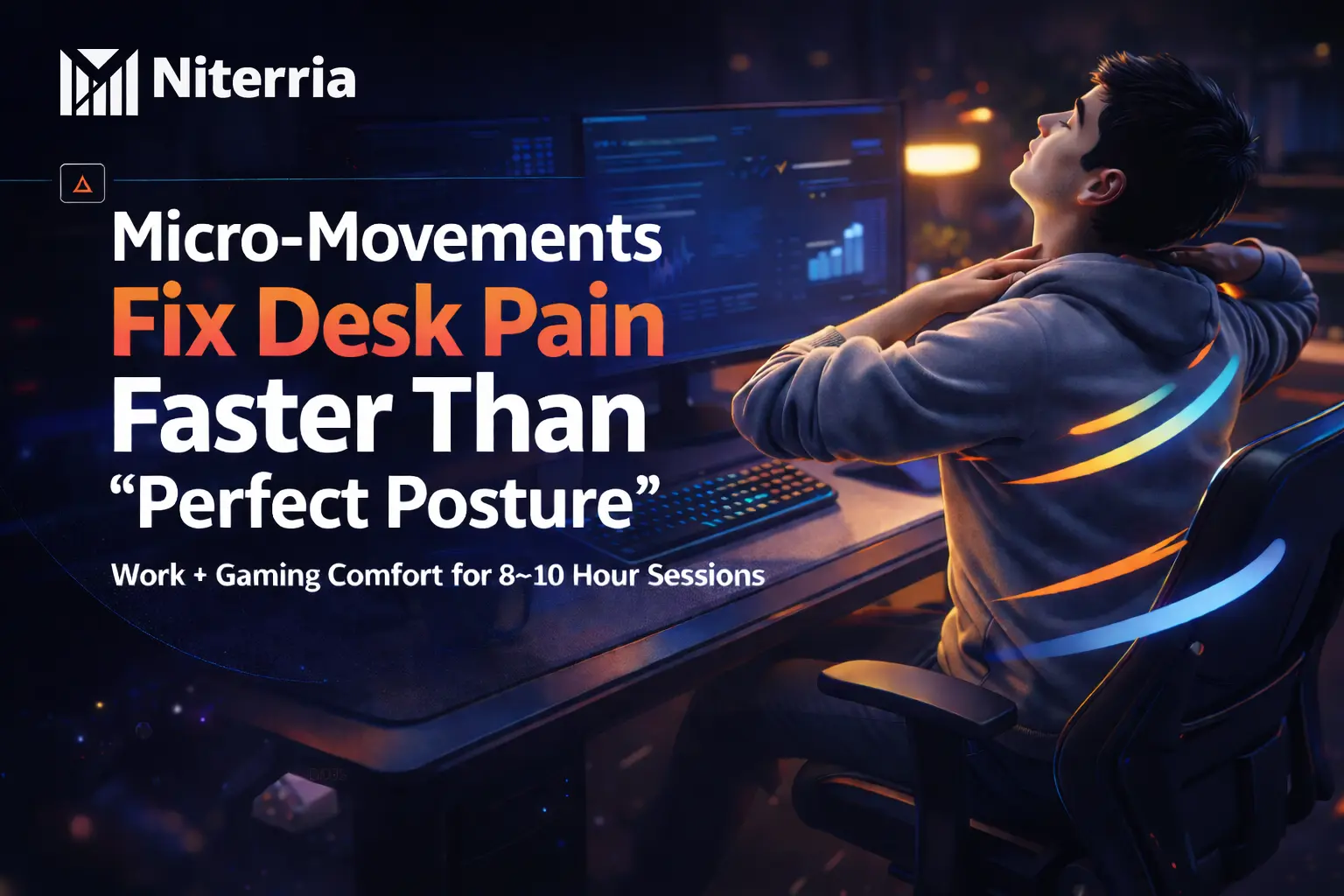
If your desk setup is “good” but you still feel wrecked after 3–6 hours, this is why: you’re asking your body to stay static for too long.
This is for people who work + game at the same desk and want comfort without turning sessions into a yoga class.
You’ll leave with a 30-second micro-movement system that fits inside real focus.
Here’s the punchline: comfort isn’t a chair feature. It’s a movement frequency.
The fix is micro-movement: tiny position changes every few minutes so your muscles stop holding the same tension pattern all day.
- Do: change something small every 3–8 minutes (feet, pelvis, shoulder blades, grip).
- Do: run a 20–30 second “movement menu” each time you alt-tab, respawn, or finish a task.
- Avoid: waiting for pain (pain is the late signal).
- Avoid: long “posture holds” that make you rigid.
- Buy/skip: skip “perfect posture” gadgets before you fix movement frequency.
One rule that decides everything: Never stay in one position longer than one playlist track.
Skip to: Why static sitting hurts · Pick your plan · The 30-second menu · Symptom→fix matrix · FAQ
Myth-bust: “If I can just sit correctly, I’ll be comfortable.”
Most discomfort isn’t caused by a “wrong” posture.
It’s caused by not changing posture.
Even a “good” position becomes bad when you freeze in it for hours.
That’s why one-desk setups fail after long sessions: you don’t notice you’ve locked in.
If this sounds familiar, you’ll also like: Why good posture is the wrong goal for long desk sessions.
Why static sitting quietly wrecks comfort
Your body pays a “holding tax” when you stay still: the same small muscles keep stabilizing the same joints with the same tension.
- Static load builds up (neck, low back, forearms).
- Blood flow gets lazy in the same areas.
- Brain focus blocks your body signals until the discomfort finally breaks through.
This is why “I forgot to move” is the most common cause of desk pain.
Related: Lower back pain isn’t a chair problem — it’s a movement problem.
Pick your micro-movement plan (30 seconds)
Use this like a tiny decision tree. No fluff. No pseudo-science.
- If you feel neck/upper trap tension → do Neck/shoulder reset every 5–10 minutes.
- If your low back feels compressed → do Pelvis change + hinge every 5–10 minutes.
- If wrists/forearms burn → do Grip change + desk slide every 3–8 minutes.
- If you feel “restless but stuck” → do Leg pump + foot swap every 2–5 minutes.
- If you feel fine (but it’s been a while) → run the full 30-second menu once per task switch.
Want the foundation right first? Start here: Dual-Use Desk Setup Guide.
The 30-second micro-movement menu (doesn’t break flow)
Run this on autopilot during natural breaks: email sent, compile finished, queue popped, death screen, loading screen.
-
What to do: Change feet (one forward, one back), then swap.
Why it works: shifts pelvis + spinal load without “doing a stretch.”
Common mistake: moving only the feet while the pelvis stays locked.
Micro-upgrade: add 3 slow heel raises.
-
What to do: Do one pelvic tilt (gentle tuck → gentle untuck).
Why it works: breaks the same low-back compression pattern.
Common mistake: turning it into a big core crunch.
Micro-upgrade: exhale on the tuck (it relaxes you faster).
-
What to do: Screen distance check: lean back, then pull the screen closer instead of leaning forward.
Why it works: prevents the slow neck creep that ruins long sessions.
Common mistake: “fixing posture” while keeping the screen too far.
Micro-upgrade: use the 10-second screen rule.
If your desk height is off, micro-movements help, but you’ll still fight the setup. Use: Desk Height Calculator and this deep dive: How desk height quietly destroys comfort.
The symptom→fix matrix (use this when something starts whispering)
This is the “information gain” most posts skip: the first signal matters more than the pain.
| Early symptom | What it usually means | Micro-fix (20–30 sec) | What to change next (setup) |
|---|---|---|---|
| Neck creeps forward | Screen too far / eyes chasing the monitor | Lean back + pull screen closer | Monitor distance + height (top third of screen near eye level) |
| Upper traps feel “on” | Shoulders held up / elbows unsupported | Shrug-roll-drop + exhale | Arm support + mousepad placement |
| Low back compression | Pelvis locked + no load changes | Pelvic tilt + 2-sec hover stand | Seat height + foot support |
| Forearm burn / wrist tight | Grip/clench + repetitive micro-tension | Open hands + gentle shake | Mouse space + keyboard angle |
| “Restless legs” | Circulation drop + static hips | Quad tense/relax x3 + heel raises | Foot position options (footrest or wider stance) |
If wrist fatigue is your main limiter, read: Keyboard angle causes wrist fatigue and Heavy gaming mouse fatigue.
How to make this automatic (so you actually do it)
- Trigger it: alt-tab, loading screen, email sent, match found, compile finished.
- Make it tiny: 20–30 seconds beats “I’ll stretch later.”
- Keep it invisible: micro-movement should look like you’re just adjusting.
If clutter makes you freeze and stop moving, fix that next: The 30-second desk reset and How desk clutter increases mental fatigue.
How we chose what counts as a “micro-movement”
- Low friction: doable without leaving your task.
- Low risk: no aggressive stretches, no forcing end ranges.
- Fast feedback: should reduce tension within 30–60 seconds.
- Flow-safe: doesn’t break concentration or competitive focus.
- Whole-chain impact: changes load at feet/hips/shoulders/hands (not just one joint).
- Repeatable: you can do it dozens of times per day.
- Setup-aware: pairs with desk height, screen distance, and input placement.
We prioritized movement frequency and load changes. We ignored “perfect posture” holds and anything that requires a long break to be effective.
Key takeaways
- If you’re waiting for pain, you’re late — move on the first whisper.
- Good posture fails when it’s static — comfort is position changes per hour.
- Use triggers, not willpower — task switches beat reminders.
- Fix screen distance before you “fix posture” — pull the screen to you, don’t crane to it.
- Hands and feet are your steering wheels — change them first to shift everything upstream.
FAQ
How often should I do micro-movements at my desk?
Every 3–8 minutes. Not because you’re “broken,” but because static load builds fast during focus.
Are microbreaks the same as micro-movements?
No. A microbreak is stopping work. Micro-movement is tiny load changes while staying in the session.
Will a better chair replace micro-movements?
No. A better chair may delay discomfort, but it doesn’t remove the need to change load patterns.
What if I forget to move when I’m locked in?
Use triggers. Tie one movement to every alt-tab, respawn, or “send” action. Your brain already notices those moments.
What micro-movement helps neck pain from gaming the most?
Screen distance + shoulder blade reset. Pull the monitor closer and do a quick shrug-roll-drop to unload the traps.
Does standing desks solve this?
Only partially. Standing can become static too. You still need micro-movements (weight shifts, foot swaps, short hovers).
Next step: lock the fundamentals, then layer micro-movement on top. Start with the Dual-Use Desk Setup Guide, then run the Desk Height Calculator so your micro-movements aren’t fighting bad geometry.
Comments
You need to log in to leave a comment.