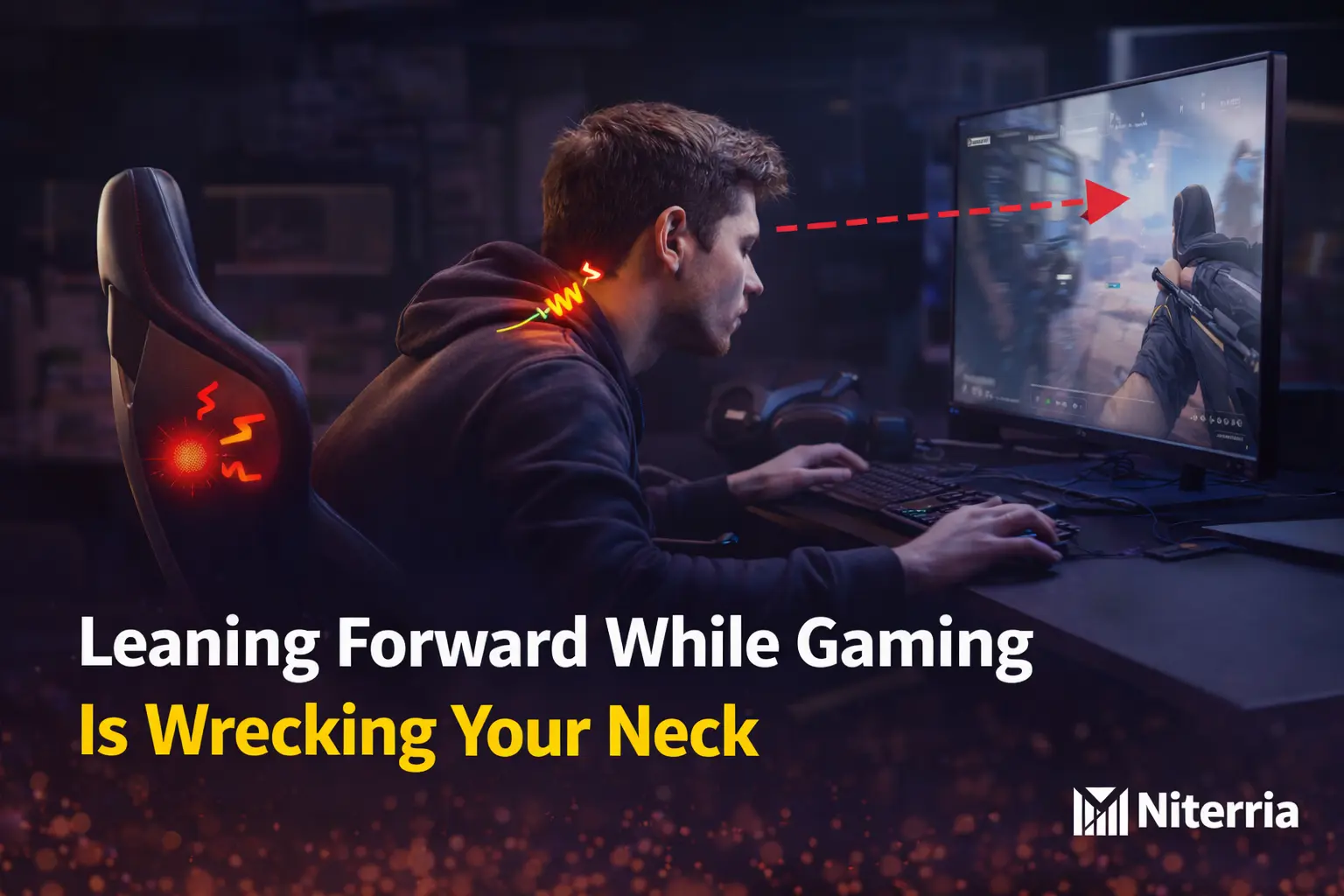
Leaning Forward While Gaming Is Wrecking Your Neck — Fix It With the Arm’s-Length Screen Rule
Decision rules + table + edge cases. No fluff.
The ergonomics of leaning forward while gaming aren’t about “bad posture.” It’s usually your setup forcing your eyes and hands to chase the screen. If you finish sessions with neck/upper-back tightness, shoulder burn, headaches, or that classic gamer hunch—this is for you.
After this, you’ll know exactly why you lean forward and the one setup change that stops it fastest.
Reality check: Your body isn’t “lazy.” Your setup is demanding a lean.
Quick Answer
Direct answer: You lean forward because your screen is too low/far, your input zone is too far forward, or your desk/chair geometry makes your shoulders reach. Fix the workstation first; posture follows.
- Do this: Put your monitor about arm’s length away (roughly 20 in / 51 cm minimum) and raise it so the top is at or slightly below eye level.
- Avoid this: “Chin up, shoulders back” as the main strategy. Willpower fails under focus.
- Do this: Pull your chair closer until elbows land around 90–100° with relaxed shoulders (no reaching).
- Skip this: Buying a new chair first. If screen/reach geometry is wrong, you’ll still lean.
- Buy this (optional): A simple monitor riser/arm if your screen can’t reach eye level.
One rule that decides everything: If you can’t read your UI clearly at arm’s length, you’ll lean—fix the screen, not your discipline.
Table of Contents
Most gamer posture advice is backwards
Hot take: “Sit up straight” is the last step, not the first.
You lean forward because something is pulling you: tiny UI, low monitor, glare, desk too high, mouse space too far, or an unstable chair-to-desk distance.
So you brace, crane, and reach. It feels “focused”… until your neck and upper traps pay the bill.
Fix the pull, and your posture improves automatically—because neutral becomes the easiest position to hold.
Diagnose Your Forward Lean in 20 Seconds
- If you lean in only during intense moments → your setup fails under cognitive load → fix screen distance/height and chair distance first.
- If you squint, crane, or push your chin forward → visual pull → bring screen closer (arm’s length minimum) and raise it toward eye level.
- If shoulders burn / traps tighten → reach pull → pull chair in, reduce keyboard/mouse reach, relax shoulders (elbows ~90–100°).
- If low back aches because you’re off the backrest → you’re hovering → add a “lean buffer” (forearm support/armrests set correctly).
- If you’re on a low budget → stack books as a riser + move monitor closer + move chair closer (free).
- If you’re pain-sensitive → reduce neck load first (screen), then reduce shoulder load (reach), then add micro-break resets.
Common Causes and the Fastest Fix
| What you notice | Likely cause | Fastest fix | Best for |
|---|---|---|---|
| You lean in to read UI / crosshair / minimap | Monitor too far/low (visual pull) | Arm’s-length distance + top of screen at/slightly below eye level | FPS / competitive play |
| Traps/shoulders burn after 30–60 min | Keyboard/mouse too far; desk too high (reach pull) | Chair in; elbows 90–100°; lower desk/raise chair + foot support | KBM gamers, streamers |
| Neck tightness + headaches | Forward head posture under load | Fix screen geometry; add 30-second reset between matches | Long sessions (3h+) |
| Low back pain because you “hover” | Seat too far / no forearm support | Bring desk closer; forearms supported; stop perching | Small desks, deep desks |
| You sit fine in menus, hunch in fights | Cognitive-load posture drift | Make neutral posture the easiest posture (screen + reach); don’t rely on reminders | Everyone |
| Verdict | Fix visual pull first. If your eyes and hands are pulled forward, posture fixes don’t stick. | ||
| If you’re X → choose Y: If you lean to see → fix monitor distance/height. If you lean to reach → fix chair distance/input zone. If you hover → add forearm support. | |||
Why You Lean Forward (The Real Mechanics)
Leaning forward is your body’s shortcut for accuracy and stability: head closer to the target, hands closer to the controls, trunk braced for micro-adjustments. The problem is that this posture stacks load in the neck/upper back and turns “focus” into fatigue.
The 3 Pulls That Create the Gamer Lean
- Visual pull: screen too far/low, UI too small, glare → your head moves forward to solve it.
- Reach pull: keyboard/mouse too far, desk too high → shoulders roll forward to reach stability.
- Brace pull: high-intensity moments → you brace and abandon the backrest.
Fix It in 7 Steps (Workstation Audit)
-
What to do: Set monitor distance to roughly arm’s length (minimum ~20 in / 51 cm), then adjust for screen size.
Why it works: Removes visual pull that drags your head forward.
Common mistake: Pushing the monitor far back to “make room.”
Micro-upgrade: Increase UI scale slightly before you move your head.
-
What to do: Raise the monitor so the top edge is at or slightly below eye level; your gaze falls slightly downward to the center.
Why it works: Reduces neck flexion drift over long sessions.
Common mistake: Tilting your head up to see the top of the screen.
Micro-upgrade: If you can’t raise it, raise the stand/riser (books work) and tilt the monitor slightly back.
-
What to do: Pull your chair in until elbows naturally land near 90–100° while hands are on keys/mouse.
Why it works: Removes reach pull that rounds shoulders and drags your torso forward.
Common mistake: Sitting far back because it “feels relaxed” then reaching for inputs.
Micro-upgrade: Mark your correct chair distance (tiny tape dot on floor).
-
What to do: Set desk/chair height so shoulders are relaxed, forearms roughly level, wrists neutral.
Why it works: A high desk forces shrug + forward reach compensation.
Common mistake: Raising the chair without supporting feet (then you slide forward).
Micro-upgrade: Use a footrest/books so feet stay planted if you raise the chair.
-
What to do: Pull keyboard and mouse closer than you think; keep the mouse-side shoulder stacked (not reaching).
Why it works: Shortens reach and reduces upper-trap load.
Common mistake: Keyboard too far forward + mouse too far right → asymmetrical hunch.
Micro-upgrade: More mouse space matters—see mouse space vs wrist pain.
-
What to do: Add a lean buffer: forearm support (desk edge support or properly set armrests) so you don’t hover.
Why it works: Hovering forces neck/shoulders to stabilize your upper body.
Common mistake: Armrests too high → shoulders shrug; too low → you hover.
Micro-upgrade: Consider a soft desk edge pad if you rest forearms hard.
-
What to do: Between matches: sit back, exhale, chin gently “back” (not down), shoulder blades settle.
Why it works: Breaks cognitive-load posture drift before it becomes hours of neck load.
Common mistake: Aggressive stretching mid-session (often irritates more than helps).
Micro-upgrade: If pain persists, add gentle neck motor-control work outside gaming—after your setup is fixed.
- Fixing the chair before fixing screen distance/height
- Trying to “posture harder” during clutch moments
- Ignoring mouse/keyboard reach (the silent shoulder killer)
If Your Setup Is Weird, Do This
- Ultrawide monitors: Keep center at eye level; increase distance slightly so you don’t hunt corners with your head.
- Glasses / bifocals: You may need the screen slightly lower to avoid neck extension; aim for head-neutral while eyes do the work.
- Controller / couch gaming: Increase UI scale and support arms. If you squint, you’ll crane.
- Small desk: Don’t push monitor back. Use a compact keyboard/arm mount to reclaim depth.
- Pain-sensitive neck: Prioritize screen geometry + micro-resets; avoid forcing posture.
3 Setups That Work (Pick Yours)
1) Competitive FPS (KBM, high focus)
- Monitor closer + higher first.
- Chair in until elbows land naturally; no reach.
- Between-round reset to prevent drift.
2) Streamer (long sessions, mixed tasks)
- Two zones: work/stream and game inside one desk footprint.
- Fix desk height so shoulders stay down.
- Start with Dual-Use Desk Setup Guide.
3) Casual gamer with neck pain (comfort-first)
- Increase UI scale, reduce glare, set arm’s-length distance.
- Add forearm support to stop hovering.
- If desk height is off, read Desk height (work + gaming).
Symptom → Fix Cheat Sheet (Stop Guessing)
| Symptom | Likely cause | Fix (do this first) | Don’t do this |
|---|---|---|---|
| Neck tightness + forward chin | Monitor low/far; sustained head-forward time | Raise monitor + arm’s-length distance | Posture bracing all session |
| Upper traps burning | Reaching for inputs; desk too high | Chair in; elbows 90–100°; adjust desk/chair height | Shrugging into armrests / tense grip |
| Headaches after long sessions | Neck extensor overwork + drift | Fix screen geometry; add 30-second reset between matches | Aggressive stretching mid-game |
| Low back ache from hovering | Seat too far; no forearm support | Bring chair/desk together; add forearm support | Leaning forward “because it helps aim” |
| Wrist/forearm pain while leaning | Mouse space too tight; awkward angle | Increase mouse space + neutral wrist line | Cranking wrist extension for control |
Content upgrade idea: Turn this table into a one-page printable checklist and keep it beside your desk for one week.
Key Takeaways
- If you lean to see → fix monitor distance/height first (arm’s length + eye level).
- If you lean to reach → pull chair in and eliminate forward reach (elbows ~90–100°).
- If you hover → add forearm support and stop perching off the backrest.
- If pain stacks fast → micro-resets between matches beat posture reminders.
Related reads: The one desk problem, Why good posture is the wrong goal, Heavy gaming mouse fatigue.
FAQ
Is leaning forward while gaming always bad?
Short answer: Brief forward lean is normal. Hours of sustained lean is where problems start.
Why do I lean forward even with an ergonomic chair?
Short answer: Because chairs don’t fix screen distance/height or reach distance. If the setup pulls you forward, you’ll lean.
Should the top of my monitor be at eye level?
Short answer: Generally yes—top at or slightly below eye level, with a slightly downward gaze to the center.
What if I play on a big TV far away?
Short answer: Increase UI scale, reduce glare, and support your arms. If you squint, you’ll crane.
Can exercises help if my neck already hurts?
Short answer: They can help, but fixing the setup comes first. Don’t train your way out of a bad geometry problem.
What’s the single fastest fix if I only change one thing today?
Short answer: Move the monitor to arm’s length and raise it toward eye level. Most forward lean starts there.
Do This Next
Run the 7-step audit once, then play one full session without posture reminders. If you still drift forward, it’s almost always reach pull (input distance/desk height) or lack of forearm support.
Next read: Dual-Use Desk Setup Guide and Desk height (work + gaming edition).
Comments
You need to log in to leave a comment.