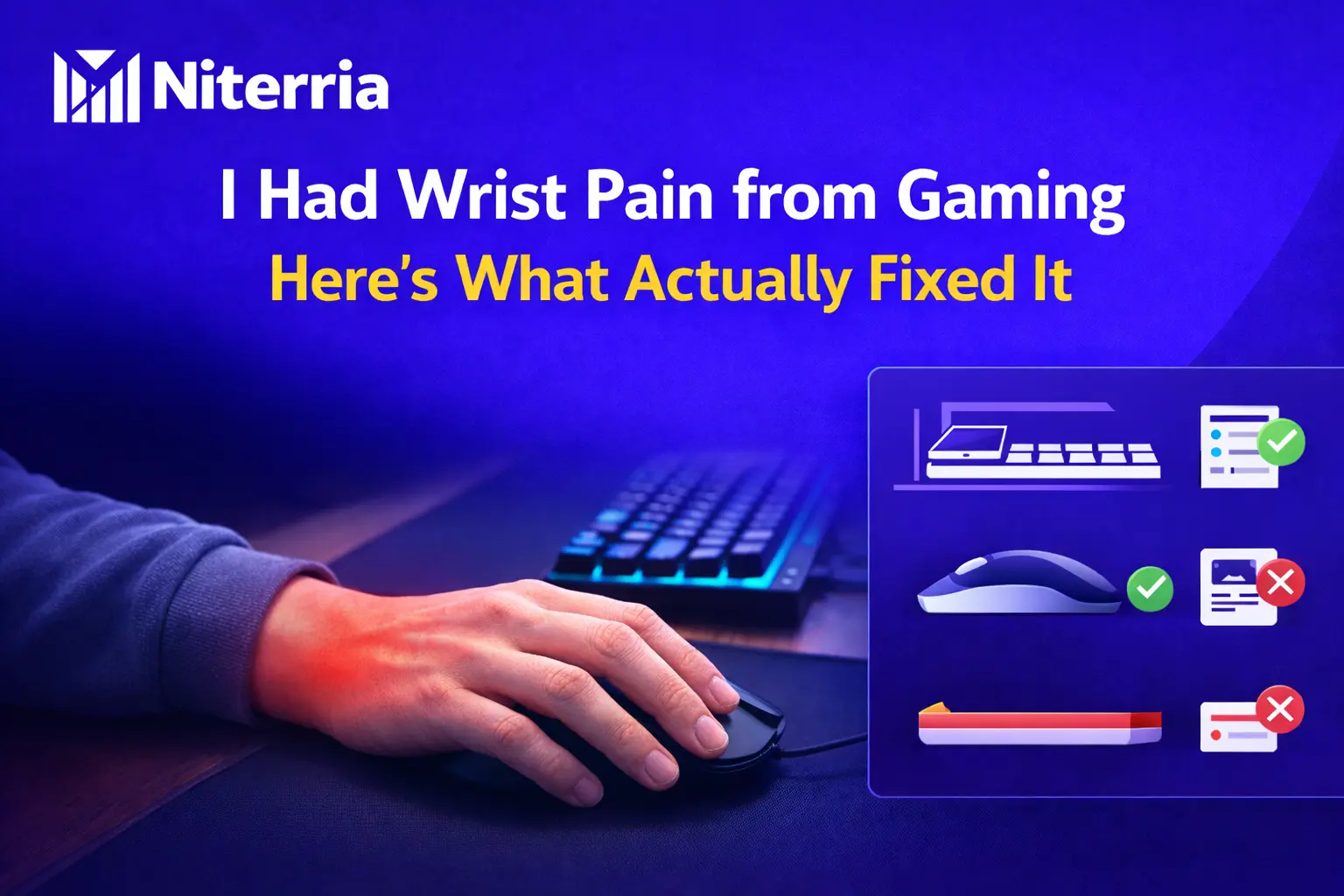
I Had Wrist Pain from Gaming — Here’s What Actually Fixed It
The real fixes for gaming wrist pain: setup changes, grip mistakes, load management, and the gear that helps only when the basics are right.
- Do: keep the wrist mostly neutral and move more from the forearm and elbow.
- Do: lower keyboard front height or use a negative tilt setup if your wrists bend upward.
- Do: reduce mouse weight, drag, and reach distance.
- Do: use short reset breaks before pain spikes, not after.
- Avoid: planting the wrist hard into the desk edge for hours.
- Avoid: lifting shoulders to meet a desk that is too high.
- Skip: thick wrist rests if they push your hand upward during active typing or gaming.
- Buy last: accessories only after fixing angle, height, and movement pattern.
Table of Contents
What actually fixed it
I got the most relief from boring fixes, not flashy ones. The biggest win was stopping the wrist from living in extension all day — that “hands tipped upward” position you get when the desk, keyboard, or armrests are too high for your body.
The second win was reducing constant tension. Not just pain. Tension. Death-gripping the mouse, hovering the hand, planting the wrist in one spot, and playing long sessions without micro-resets all kept the area irritated.
The third win was reducing load. A lighter, easier-gliding mouse, enough mouse space, and a keyboard angle that stopped pushing my wrists up made a bigger difference than any gimmick product.
What this does not cover: numbness, tingling, weakness, sharp electric pain, night pain, loss of grip, or symptoms that keep worsening. Those are not “just ergonomics.”
Copy-paste reset checklist
- Wrist mostly straight, not bent up
- No sharp desk edge digging into forearm or wrist
- Mouse close enough that elbow stays near body
- Shoulders relaxed, not lifted
- Keyboard angle not forcing extension
- Arm movement shared by forearm and elbow, not only wrist flicking
- Micro-break every 20–40 minutes before symptoms spike
Fast decision table
| If you… | Most likely issue | Do this first |
|---|---|---|
| Feel pain on top of the wrist during keyboard use | Too much wrist extension | Lower front keyboard height, flatten angle, or try negative tilt |
| Feel pain from mouse use after long FPS sessions | Too much wrist-only movement and tension | Increase mouse space, reduce sensitivity extremes, move more from forearm |
| Feel pressure where wrist touches desk | Contact stress | Soften edge contact, pull input devices closer, stop planting wrist hard |
| Feel forearm tightness with wrist fatigue | Overgrip + mouse drag/load | Lighter mouse, cleaner pad, looser grip, more elbow movement |
| Get pain only after hours, not immediately | Accumulated static load | Add micro-movements and short resets before symptoms rise |
| Feel numbness or tingling | Higher-risk nerve irritation pattern | Stop guessing. Get it assessed instead of buying more accessories |
Mini test: what’s probably driving your wrist pain?
Score yourself:
- +2 if your wrists bend upward while typing or gaming
- +2 if you rest your wrist hard on the desk edge
- +2 if your mouse is heavy or feels draggy
- +2 if you mainly aim from the wrist instead of sharing movement with forearm/elbow
- +1 if your mouse is far from your body
- +1 if your shoulders rise to reach the desk
- +1 if you game for 2+ hours without deliberate resets
- +3 if you feel tingling, numbness, or weakness
| Score | Interpretation | Priority |
|---|---|---|
| 0–2 | Likely mild setup inefficiency | Fix angle and contact pressure first |
| 3–5 | Multiple load issues stacking together | Rebuild keyboard/mouse position and break pattern |
| 6–8 | Your setup is actively feeding irritation | Change layout, load, and movement immediately |
| 9+ | High risk that this is more than a minor comfort problem | Stop forcing long sessions and get proper medical advice |
Symptom → likely cause → fix matrix
| Symptom | Likely cause | What usually helps |
|---|---|---|
| Ache on top of wrist | Keyboard too high, positive tilt, wrist extension | Lower input height, flatten board, try negative tilt |
| Outer wrist pain from mouse side | Side-bent wrist and excessive flicking | Bring mouse closer, improve pad space, share movement with forearm |
| Burning/tired forearm | Grip tension and static load | Relax grip, use lighter mouse, add reset breaks |
| Pain where wrist touches desk | Compression/contact stress | Stop anchoring there, soften edge, adjust chair/desk relation |
| Typing hurts more than gaming | Keyboard angle/height mismatch | Fix board height before buying a wrist rest |
| Pain gets worse every day | Load exceeds recovery | Reduce session length temporarily and remove aggravators fast |
Decision tree
If pain is mostly during typing → check keyboard height and angle first.
If pain is mostly during mouse use → check mouse weight, drag, reach, and wrist-only aiming first.
If pain is mostly where your wrist touches the desk → reduce pressure and edge contact first.
If symptoms include tingling, numbness, weakness, or night pain → stop treating it like a setup-only problem.
Keyboard and mouse fixes that matter
1) Fix keyboard angle before buying comfort junk
A keyboard that makes your hands reach upward can quietly wreck long sessions. That is why some people feel instant relief when they flatten the board or switch to a lower front height. If your wrists are extended while typing, a thick wrist rest can make it worse by lifting the hand even more during active use.
For people who type and game at the same desk, the best move is usually to reduce front height and stop forcing the wrist upward. That is the core idea behind keyboard angle fixes for wrist fatigue.
2) Make the mouse easier to move
A heavy mouse, slow pad, cramped mouse area, and high tension grip stack together. You do not need a featherweight mouse if you hate them, but you do need a setup that does not make every movement cost more than necessary.
If your pain is worse in shooters or long tracking-heavy games, read why heavy mice quietly punish long sessions and why mouse space affects wrist pain more than most people think.
3) Stop parking the wrist in one spot
A lot of gamers do not just move the mouse. They pin the wrist and pivot around it. That concentrates load in one area for hours. Let the forearm slide. Let the elbow participate. Reduce the “hinge” effect at the wrist.
4) Use breaks earlier than you think you need them
The best breaks are not heroic. They are short and early. A 20–40 second reset before symptoms spike beats waiting until the area is already angry. This fits the same principle behind micro-movements for long desk sessions.
What to buy, what to skip
| Option | Best for | Avoid if | Score /10 |
|---|---|---|---|
| Lower-profile keyboard / lower front height | Typing-related wrist extension | Your issue is purely mouse-side | 9 |
| Negative tilt tray | Desk too high, wrists tipped upward | You already type neutral and low | 8.5 |
| Lighter, easier-glide mouse | Mouse fatigue and forearm tension | You hate ultra-light shapes and grip badly anyway | 8 |
| Softer desk edge / arm support fix | Contact pain and pressure points | You are not actually loading the edge | 7.5 |
| Wrist rest for pauses only | Static support between actions | You use it to prop the hand up during active input | 6 |
| Random “ergonomic” gadget | Mostly placebo shopping | You have not fixed angle, height, reach, or load | 3 |
Weighted scoring rubric: what matters most
| Factor | Weight | Why it matters |
|---|---|---|
| Neutral wrist position | 30% | This removes the constant mechanical irritation most people ignore |
| Total input load | 25% | Heavy drag, grip tension, and overuse pile up fast |
| Contact pressure | 15% | Hard edge compression can turn a mild issue into a daily one |
| Movement pattern | 15% | Wrist-only motion overloads one area |
| Break pattern | 10% | Recovery has to happen before irritation spikes |
| Accessory comfort | 5% | Helpful only after the real issues are handled |
Best pick: Fix keyboard/mouse height and wrist angle first.
Best budget fix: Reposition gear, reduce edge pressure, add timer-based resets.
Best upgrade: Lower front-height keyboard or negative tilt solution if your wrists bend upward.
Who should skip: anyone hoping an accessory will fix numbness, weakness, or worsening pain without changing the actual setup.
Common mistakes that keep wrist pain alive
- Buying a wrist rest before checking keyboard height
- Thinking “straight posture” fixes everything while the wrists stay bent
- Using armrests that push the shoulders up
- Keeping the mouse too far away from the body
- Ignoring desk-edge pressure because it seems minor
- Trying to power through pain until it becomes the normal baseline
Next steps
Do not randomly swap gear and hope. Use this order:
- Fix wrist angle and keyboard height.
- Reduce mouse load and reach distance.
- Remove hard desk-edge pressure.
- Add short reset breaks before pain ramps up.
- Only then test accessories or upgrades.
Save this: pin it, bookmark it, or send it to the friend who keeps saying their “ergonomic” setup still hurts.
FAQ
Can gaming actually cause wrist pain?
Yes. Usually not because gaming is magically harmful, but because long sessions combine repetition, tension, awkward wrist angles, and static loading. The problem is often the pattern, not the hobby itself.
Is a wrist rest good or bad for gaming wrist pain?
It depends how you use it. A wrist rest can be fine as a passive support between actions, but it can backfire if it props your hand upward during active typing or gaming and increases wrist extension.
How long does it take for gaming wrist pain to improve?
Mild irritation can calm down quickly when you remove the aggravating setup issue. But if you keep feeding the same angle and load, it can drag on for weeks or become a repeating cycle.
Is keyboard angle or mouse choice more important?
Whichever one reproduces your symptoms faster is your first target. If pain appears during typing, start with keyboard height and angle. If it builds during aim-heavy gaming, start with mouse load and movement pattern.
Can a lighter mouse really help wrist pain?
Yes, sometimes a lot. Lower movement load and less drag can reduce tension, especially in long FPS sessions. But it will not save a setup where the wrist is still bent badly.
What is the biggest mistake people make?
Buying accessories before fixing the actual mechanics. Most people try to cushion a bad angle instead of removing the bad angle.
Should I stop gaming completely if my wrist hurts?
Not always, but forcing long sessions through pain is stupid. Reduce load, fix the setup, and back off enough to let symptoms settle. If symptoms are escalating, do not keep testing your luck.
What symptoms are a red flag?
Numbness, tingling, weakness, loss of grip, night pain, sharp electric sensations, or symptoms that keep worsening. That moves beyond normal comfort troubleshooting.
Is stretching enough to fix gamer wrist pain?
No. Stretching can feel good, but it does not cancel out hours of bad wrist position and excessive input load. Setup correction matters more.
Does desk height affect wrist pain?
Absolutely. A desk that is too high often forces raised shoulders and extended wrists. Use a proper desk/chair relationship instead of trying to compensate only at the keyboard.
Comments
You need to log in to leave a comment.