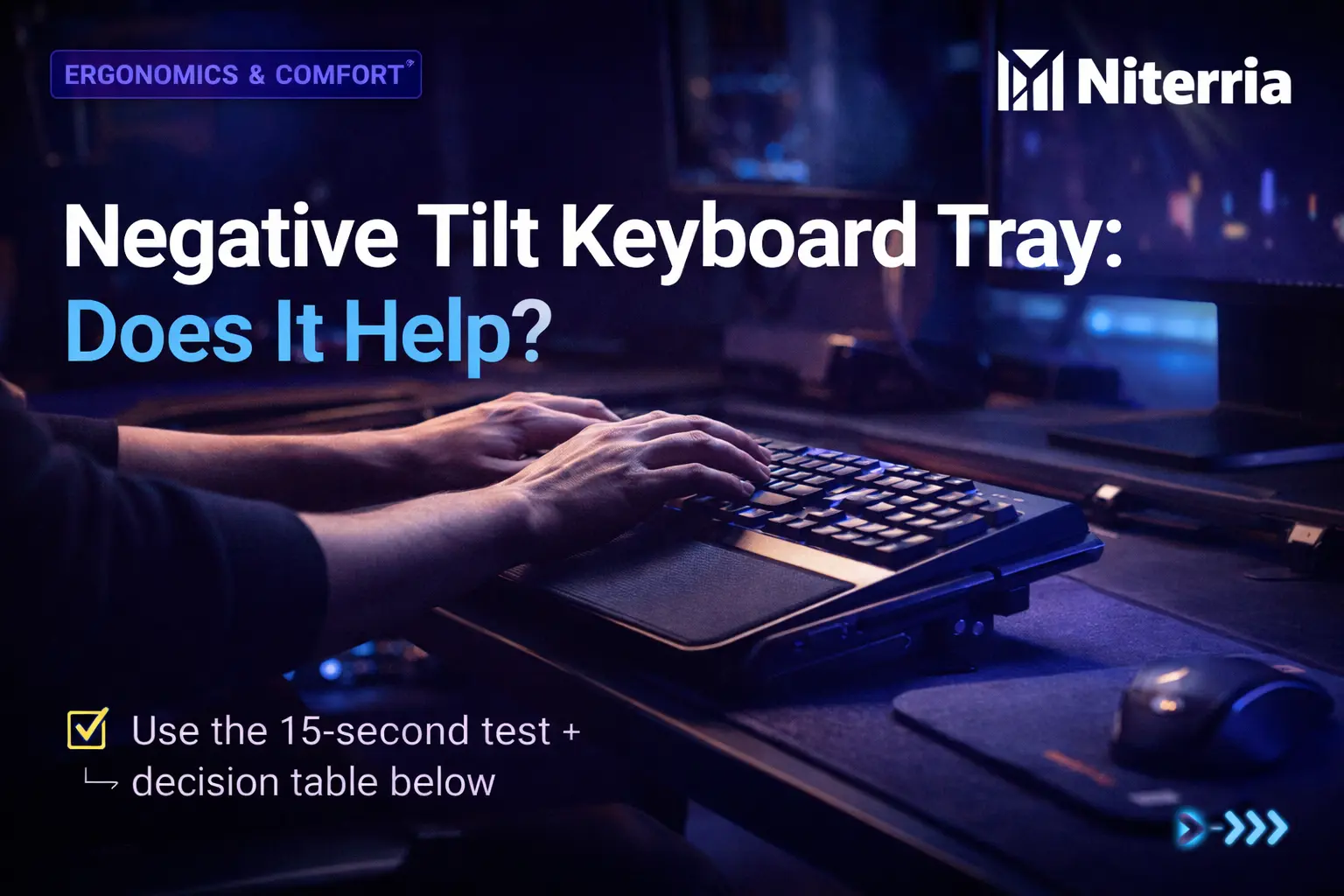
If your wrists bend up while typing (extension), a negative-tilt keyboard tray can be a real fix—not a “nice-to-have.” Cornell’s ergonomics guidance specifically favors a height-adjustable, negative-slope keyboard tray to keep wrists neutral. :contentReference[oaicite:0]{index=0}
Blunt rule: If your wrists are extended when your fingers are on home row, your keyboard position is wrong. Fix height first, then use slight negative tilt to keep wrists neutral (not cocked up, not bent down).
Quick Answer
A negative tilt keyboard tray helps when it lets you type with straight wrists and relaxed shoulders. It doesn’t help if the tray is too low, too steep, wobbly, or forces you to rest weight on your wrists.
- Do: Aim for wrists “flat/straight” while typing; elbows stay close to your body.
- Do: Use a gentle negative tilt (small angle beats extreme angles).
- Do: Pair with correct height (keyboard at or slightly below elbow height).
- Avoid: Steep negative tilt that bends wrists down (flexion).
- Avoid: Hard tray edges that press into the wrist/palm area.
- Buy: Only if the tray adjusts height + tilt and stays stable under fast inputs.
- Skip: If your desk already lets you keep wrists neutral and shoulders relaxed.
On this page
Fast decision table
| If you… | Most likely problem | Do this first | Tray worth it? |
|---|---|---|---|
| Type with wrists bent up | Keyboard too high and/or positive tilt | Lower keyboard height; remove keyboard feet | Usually yes |
| Shoulders shrug while typing | Surface too high; reaching forward | Set height + bring keyboard closer | Often yes |
| Wrists bend down on a tray | Tray too low / too steep negative tilt | Raise tray; reduce negative angle | No (until fixed) |
| Mouse arm feels “pulled” outward | Mouse too far/right; no space | Bigger mouse area; center keyboard | Maybe |
| No pain, wrists neutral already | Your setup is already working | Don’t fix what isn’t broken | Skip |
Practical note: OSHA’s workstation guidance calls out keyboard trays as useful when the desk/chair can’t be adjusted into a good position—and emphasizes trays should be adjustable in height and tilt. :contentReference[oaicite:1]{index=1}
What negative tilt actually does
- Negative tilt = the keyboard surface slopes away from you (near edge higher, far edge lower).
- It reduces the default “wrist bend up” that happens when the keyboard sits too high or is tilted positively.
- It often helps more than buying a new keyboard, because the angle + height drive wrist posture.
Cornell’s guidance repeatedly points toward negative-tilt solutions for sustained keyboard use to support neutral posture. :contentReference[oaicite:2]{index=2}
The 15-second wrist test (no tools)
- Put fingers on home row (ASDF / JKL;). Relax your shoulders.
- Look at your wrist angle from the side.
- If your knuckles are higher than your forearm and the wrist bends up: you’re in extension.
- Now remove keyboard feet and pull the keyboard 3–5 cm closer. Re-check.
Pass = wrist line looks straight and you don’t feel pressure at the heel of the palm.
Fail = wrist visibly bends up or down to reach the keys.
If you fail because the desk is simply too tall/short, run this first: Desk Height Calculator.
Decision tree: should you buy one?
Follow this in order:
- Do you type with wrists bent up?
- No → You probably don’t need a tray.
- Yes → go to step 2.
- Can you lower the keyboard to at/just below elbow height?
- No (desk fixed, chair can’t go higher, drawers hit knees) → tray is usually the clean fix. :contentReference[oaicite:3]{index=3}
- Yes → go to step 3.
- When you lower it, do you still extend wrists because of keyboard tilt?
- Yes → try flat first; if still extended, add gentle negative tilt.
- No → stop. You fixed it without buying hardware.
- Do you game with fast inputs (FPS/aim trainers) and feel tray wobble risk?
- Yes → only buy a tray known for stability (a shaky tray is worse than no tray).
- No → standard stable trays can work.
Symptom → cause → fix matrix (save this)
| Symptom | Likely cause | Fix that actually works |
|---|---|---|
| Top-of-wrist ache after 1–2 hours | Wrist extension + reaching | Lower keyboard; remove feet; add gentle negative tilt |
| Numbness/tingling in thumb/index | Compression/strain + long static holds | Neutral wrists; lighten grip; micro-breaks; consider medical check if persistent |
| Forearm burn (flexors) while typing | Keyboard too far; elbows not supported/close | Bring keyboard closer; elbows in; tray helps if desk depth forces reach |
| Shoulders creep up (“shrug typing”) | Surface too high | Lower keyboard surface; tray with height range fixes most cases |
| Heel-of-palm pain | Leaning weight on wrist/palm edge | Float hands while typing; soften edges; avoid “resting while moving” |
If your main issue is wrist fatigue from angle (not switches), read: Keyboard angle—not switch type—causes wrist fatigue.
The 10-minute setup that works (most people skip step 2)
- Set chair height so feet are stable (use a footrest if needed).
- Set keyboard height so forearms are close to level and elbows stay near your sides (no reaching). :contentReference[oaicite:4]{index=4}
- Go flat first: disable keyboard feet; test wrists again.
- Add slight negative tilt only until wrists look straight. Stop before wrists bend down.
- Mouse placement: keep mouse close and level with keyboard plane (no “mouse cliff”).
- Stability check (gamers): hard flicks + rapid key taps. If the tray flexes, fix mounting or upgrade.
Common mistake that ruins negative tilt
People add negative tilt but keep the keyboard too high, so they’re still in extension—just at a different angle. Height is the lever. Tilt is the fine-tune.
Mini-test: are you a “tray person”?
Score 0–10 (add points):
- +2: wrists bend up when typing
- +2: shoulders shrug or neck tightens during typing
- +2: fixed-height desk (can’t get keyboard low enough)
- +2: you switch work+gaming on one desk and fatigue shows up after 4+ hours
- +2: you need more mouse space but the desk edge forces awkward reach
Interpretation:
- 0–2: skip; fix small positioning issues
- 3–6: maybe; only if you can get real height+tilt adjustment
- 7–10: yes; a stable negative-tilt-capable tray is likely worth it
What to buy (and what to skip)
| Option | Best for | Avoid if |
|---|---|---|
| True ergonomic tray (height + tilt + stable) | Fixed desks, long sessions, wrist extension, shoulder tension | You can already get neutral wrists on desktop |
| Keyboard drawer (slides only, no tilt) | Small height correction, low budget | You need negative tilt, mouse space, or stability for gaming |
| No tray (desktop keyboard) | Adjustable desk + correct height already | Desk too high, reaching forward, wrist extension persists |
Best pick (most people)
Height adjustment range that gets the keyboard at/just below elbow level, plus gentle negative tilt, plus solid stability.
Best budget
Only consider budget if it stays stable and doesn’t force wrist pressure. If it can’t tilt negative, treat it as “height-only.”
Best upgrade
Stable mechanism + roomy mouse platform + easy micro-adjustments (because you will change posture between work and gaming).
If you want the “no guessing” path, run your numbers through Desk Height Calculator and then set tilt only after height is correct.
Scoring rubric: how to pick a tray (weighted)
Use this to compare trays fast. Score each 0–5, multiply by weight, add totals. The highest score wins for your use case.
| Criteria | Weight | What “5/5” looks like |
|---|---|---|
| Height range | 30% | Lets keyboard sit at/just below elbow height (sitting and/or standing) |
| Negative tilt control | 15% | Gentle negative slope achievable without “locking” your wrists |
| Stability (no flex) | 25% | Doesn’t wobble under fast keying + mouse flicks |
| Mouse space & alignment | 15% | Mouse stays same plane as keyboard; no cramped shoulder reach |
| Edge comfort | 10% | No sharp pressure point at wrist/palm; encourages “hands float” |
| Adjustment speed | 5% | Easy micro-adjustments (important for dual-use switching) |
If you’re also dealing with wrist discomfort on the mouse side, pair this with: Mousepad for wrist pain: what actually works and Palm rest vs wrist rest.
Edge cases (where negative tilt can backfire)
- Too steep: wrists bend down (flexion) → new pain, new fatigue.
- Tray too low: you “drop” onto the edge → palm/wrist pressure.
- Standing desk setups: if standing height is off, the tray becomes a band-aid. Fix height first.
- High-sensitivity FPS: a shaky tray kills precision. Stability is non-negotiable.
keep building the system
- Dual-Use Desk Setup Guide (hub)
- Desk Height Calculator (tool)
- Proper monitor height for gaming
- Monitor Distance Calculator
- Desk ergonomics for people who sit 10 hours a day
Next steps (pick your path)
- Wrist pain first? Fix keyboard height + angle, then check mouse-side support.
- Neck/upper back tight? Start with monitor height + distance before buying desk hardware.
- Eye strain? Add lighting before you change posture again.
FAQs
What is a negative tilt keyboard tray?
It’s a tray that lets the keyboard slope slightly away from you (near edge higher, far edge lower). The goal is a neutral wrist posture rather than wrists bent up.
How do I know if negative tilt will help my wrist pain?
If you see or feel wrist extension while typing, you’re a strong candidate—especially if the desk height can’t be fixed cleanly. Cornell’s ergonomics guidance supports negative-slope trays for neutral wrists. :contentReference[oaicite:5]{index=5}
Can a negative tilt tray make wrist pain worse?
Yes—if the tray is too low, too steep, or forces you to rest weight on your wrists. “Neutral” means straight, not bent down.
Do I need a wrist rest with a negative tilt tray?
Not automatically. Many people do better when they don’t plant weight on the wrists while typing. If you use one, treat it as a pause rest, not something you lean into while moving.
What’s the most common mistake people make with keyboard trays?
They chase tilt while ignoring height. If the keyboard is still too high, you’ll stay in wrist extension even with fancy tilt controls. OSHA notes trays matter when the workstation can’t otherwise be adjusted correctly. :contentReference[oaicite:6]{index=6}
Is a negative tilt tray good for gaming (FPS/MOBA)?
It can be—if it’s stable. For competitive aim, wobble is a deal-breaker. Prioritize stability and mouse space over extreme tilt range.
How much does a “good” keyboard tray usually cost?
Price varies, but cost tracks the stuff you actually feel: stability, smooth adjustment, and real height range. Cheap trays often fail on wobble or limited tilt/height.
Do I need one if I have a standing desk?
Maybe. If your standing desk can’t get low enough for neutral wrists while standing (or you switch sit/stand a lot), a tray can help. But if it forces wrist flexion while standing, it’s the wrong setup.
Is negative tilt “scientifically proven” to prevent carpal tunnel?
No single desk accessory “prevents” a medical condition. What’s supported is that neutral wrist posture reduces risky positioning. Cornell’s ergonomics guidance explicitly recommends negative-slope trays for neutral wrists. :contentReference[oaicite:7]{index=7}
When should I stop DIY and get help?
If you have persistent numbness/tingling, night symptoms, weakness, or pain that escalates despite fixing posture, get a clinician/physio assessment. Desk setup helps strain; it doesn’t diagnose nerve issues.
Want the full “one desk that does both” system (work + gaming) with fewer purchases? Start here: Dual-Use Desk Setup Guide.
Comments
You need to log in to leave a comment.