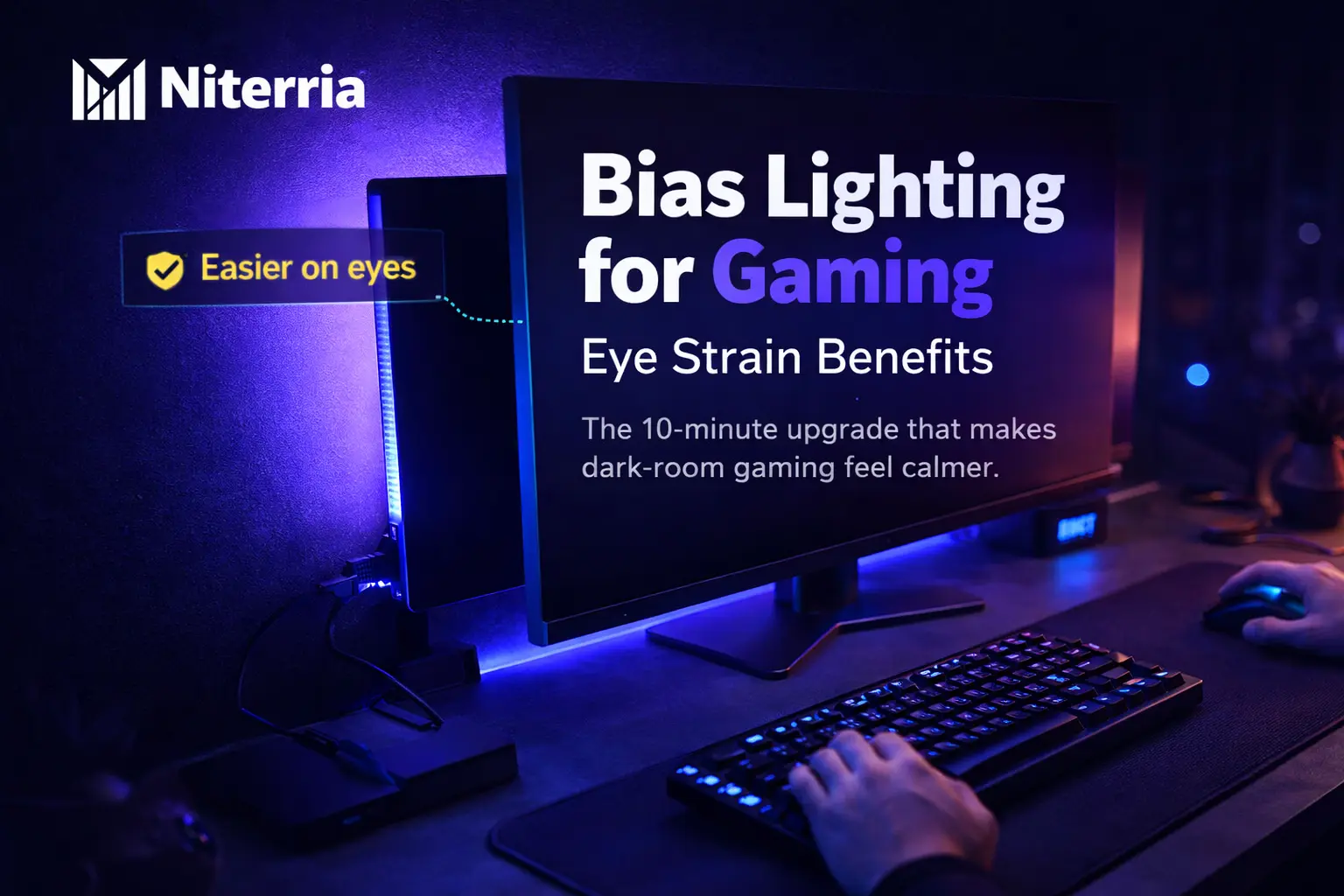
Bias Lighting for Gaming: Eye Strain Benefits (and the Setup That Actually Works)
If you game in a dim room, your eyes aren’t “weak” — your setup is forcing a brutal contrast jump.
Bias lighting is the simplest way to make the screen feel less harsh without lowering in-game visibility.
Blunt rule: If you play with the room lights off (or very low), use bias lighting. If you already play in a bright room, it’s optional.
Quick Answer
Bias lighting can reduce perceived glare and visual fatigue by lowering the contrast between a bright monitor and a dark room. It won’t “cure” dry eye or fix bad monitor settings — but it often makes long sessions feel calmer.
- Do: neutral white (around “daylight” 6500K), dimmable, flicker-free.
- Do: put it behind the monitor so you don’t see the LEDs directly.
- Do: set it low (roughly “soft halo,” not a lamp).
- Avoid: RGB rainbow modes while gaming (they shift your perception constantly).
- Avoid: cheap strips with visible “dots” and no diffusion.
- Buy if: you game in the dark 3+ nights/week, especially HDR/bright UI games.
- Skip if: you already have even room lighting behind/around your monitor.
| If you… | Bias lighting helps? | Do this |
|---|---|---|
| Game in a dark room | Yes (big) | Neutral white behind monitor + dimmer |
| Feel “screen glare” or squinting at night | Yes | Lower monitor brightness + add soft backlight |
| Get headaches with bright UI/HDR | Sometimes | Bias light + cap peak brightness / reduce HDR intensity |
| Play in a bright room already | Maybe (small) | Only if your wall behind monitor is dark |
Save this: Bookmark this page or pin it — you’ll forget the “brightness matching” part otherwise.
Table of contents
What bias lighting is (in gamer terms)
Bias lighting is a soft light placed behind your monitor that brightens the wall around it. The goal is simple: reduce the contrast between a bright screen and a dark room so your eyes don’t have to constantly “re-adapt.”
- Not the same as RGB vibes. RGB is decoration. Bias lighting is functional.
- Not a desk lamp. You shouldn’t see the LEDs directly.
- Not meant to light the whole room. Just a halo behind the display.
Does it actually reduce eye strain?
For many people: yes, it reduces discomfort — mainly by lowering perceived glare and harshness in low-light environments. But it’s not magic.
What it helps: night gaming harshness, squinting, “glare” feeling, fatigue from high contrast, comfort during bright UI / HDR moments.
What it doesn’t fix: dry eye from low blinking, uncorrected vision, migraines triggered by flicker, monitor set too bright, bad text scaling, or a screen that’s too close.
Method (how to think about it): Your comfort is dominated by three knobs: (1) screen brightness, (2) room brightness, (3) contrast jumps (bright UI on dark scenes, white web pages, loading screens). Bias lighting mainly improves #2 and smooths #3.
Related: If your screen is too close, fix that first: monitor distance for gaming (eye strain prevention).
Decision tree: should you use it + what type?
Decision tree (fast routing)
- If you play with lights off: get bias lighting.
- If you play with a room light on: only get it if the wall behind your monitor is dark or you still feel glare.
- If you get headaches: prioritize flicker-free + dimming and keep it low. If headaches persist, stop and reassess.
- If you do color-sensitive work + game: choose neutral white (“daylight” ~6500K) and avoid color modes.
- If you want easiest install: USB strip + dimmer.
- If you want best quality: higher-CRI, well-diffused strip or monitor-mounted solution (still neutral white).
The 10-minute setup that works
This is the setup that gets results without turning your room into a nightclub.
- Place the light behind the monitor (not on the sides facing you). You should not see the LEDs directly.
- Aim for a soft halo on the wall. If you can “feel the light” in your eyes, it’s too bright or exposed.
- Set color to neutral white (often labeled “daylight” or ~6500K). This keeps your perception stable.
- Match brightness: start low and raise until the screen feels less harsh. Don’t chase “bright wall.”
- Reduce monitor brightness if needed. Bias lighting is not an excuse to run 100% brightness at midnight.
- Lock it in: pick one brightness for night sessions and stop fiddling mid-game.
Printable checklist
- ☐ LEDs not visible from my chair
- ☐ Neutral white (not blue, not warm orange, not RGB cycle)
- ☐ Dimmable (I can make it very low)
- ☐ Halo is even (no harsh dots)
- ☐ Night monitor brightness is reasonable
- ☐ I can game 60 minutes without squinting
Soft CTA (comfort stack): If your neck and eyes both get wrecked, fix screen height too: proper monitor height for gaming.
Pick the right light (comparison + scoring)
| Option | Best for | Avoid if |
|---|---|---|
| USB LED strip + dimmer | Cheap, fast setup, single monitor | You hate visible LED “dots” |
| Diffused strip / higher quality kit | Even halo, better comfort, cleaner look | You want the absolute cheapest |
| Monitor-built-in bias light | Low effort, tidy | It’s not neutral or not dimmable |
| Smart ambient systems | Vibes + automation | You want stable perception (color changes can annoy eyes) |
Weighted scoring rubric (pick like a grown-up)
Score each option 0–5, multiply by weight, add up. Highest total wins for comfort.
| Criterion | Weight | What “5/5” looks like |
|---|---|---|
| Flicker safety | ×3 | No visible flicker; stable at low dim levels |
| Dimming range | ×3 | Can go very low (night-friendly) |
| Neutral white accuracy | ×2 | Looks “true white,” not blue/cyan or orange |
| Diffusion (no dotty halo) | ×2 | Smooth halo, no harsh points |
| Install + reliability | ×1 | Sticks well, doesn’t peel, easy power |
Mini-test: are your eyes fighting your setup?
- At night, do you feel relief when you look away from the screen? +2
- Do loading screens / white pages feel “blinding”? +2
- Do you squint or lean forward late-session? +1
- Do your eyes feel tired but not “painful”? +1
- Do you game with lights off most nights? +2
Score: 0–2 = optional, 3–5 = likely helpful, 6–8 = do it now.
Symptom → cause → fix matrix
| Symptom (what you feel) | Likely cause | Fix (fast) |
|---|---|---|
| Screen feels harsh at night | High contrast (bright screen, dark room) | Add bias lighting + lower monitor brightness |
| Tired eyes + dry feeling | Low blink rate + airflow + long stare | Bias lighting + 20-second breaks + manage airflow |
| Headache after bright UI/HDR | Peak brightness spikes + possible flicker sensitivity | Keep bias light low + reduce HDR intensity; avoid flickery strips |
| Halo looks distracting | Too bright or uneven (dotty LEDs) | Dim it down + add diffusion / reposition strip |
Common mistakes + edge cases
- Mistake: RGB color cycling while playing. Constant color shifts force constant adaptation. Use stable neutral white for comfort.
- Mistake: too bright. If the wall becomes the “main light,” you just created a new glare source.
- Mistake: visible LEDs. Seeing the diodes is harsher than the screen. Hide them.
- HDR games: Bias lighting helps most here because brightness spikes are aggressive. Keep it subtle so HDR still feels punchy.
- OLED: Perfect blacks can make contrast even harsher in a dark room. Bias lighting can feel especially good.
- Ultrawide / multi-monitor: You want an even halo across the whole width. Consider longer strips and better diffusion.
- Wall color: Dark walls reduce the halo effect; you may need slightly more output (still keep it subtle).
- Migraine / strong light sensitivity: Be careful. Prioritize flicker-free, very low brightness. If it triggers symptoms, stop.
Comfort stack: Bias lighting works best when combined with sane distance + height + posture habits. Start here: dual-use desk setup guide.
Next steps (stay comfortable for 8+ hours)
- Fix eye strain basics: monitor distance for gaming
- Fix neck strain basics: proper monitor height for gaming
- Fix wrist fatigue: mousepad for wrist pain
- Pick the right desk height: desk height calculator
Hard CTA
If you want the full “no pain” stack (eyes + neck + wrists) built like a system, start with the hub: Dual-Use Desk Setup Guide.
FAQ
Is bias lighting just placebo?
Not pure placebo. The main benefit is reducing harsh contrast between a bright screen and a dark room, which often reduces perceived glare and fatigue. If your issue is dry eye or vision correction, it may help only a little.
What color should bias lighting be for gaming?
Use neutral white (often called “daylight,” around 6500K) for the most stable, least distracting experience. Strong colors can shift your perception and can feel irritating over long sessions.
How bright should it be?
Low. You want a soft halo that makes the screen feel less harsh, not a wall light that steals attention. If your eyes notice the wall more than the screen, it’s too bright.
Does bias lighting increase input lag or affect FPS?
No. It doesn’t change your display performance. The only “performance” risk is distraction if you use dynamic RGB effects.
Is RGB backlighting bad for eye strain?
Static RGB at low brightness might be fine, but cycling colors or reactive effects can be tiring because your visual system keeps adapting. If comfort is the goal, use stable neutral white.
How much does a good setup cost?
Low-end strips are cheap, but comfort depends on dimming, diffusion, and flicker behavior. Spend for flicker-free and smooth output before you spend for “smart” features.
What’s the most common mistake?
Making it too bright or placing LEDs where you can see them. Bias lighting is supposed to be indirect and subtle.
Is bias lighting safe to leave on for hours?
Generally yes, but heat and adhesive quality vary by strip. Keep it ventilated, avoid pinching cables, and don’t run damaged strips.
Will it help if I wear glasses or have astigmatism?
It can reduce perceived glare/harshness, but it won’t replace proper prescription or address halos caused by vision issues. If symptoms are strong, get your eyes checked.
Does wall color matter?
Yes. White/light walls reflect more evenly and create a cleaner halo. Dark walls may require slightly more output, but keep it subtle.
Comments
You need to log in to leave a comment.